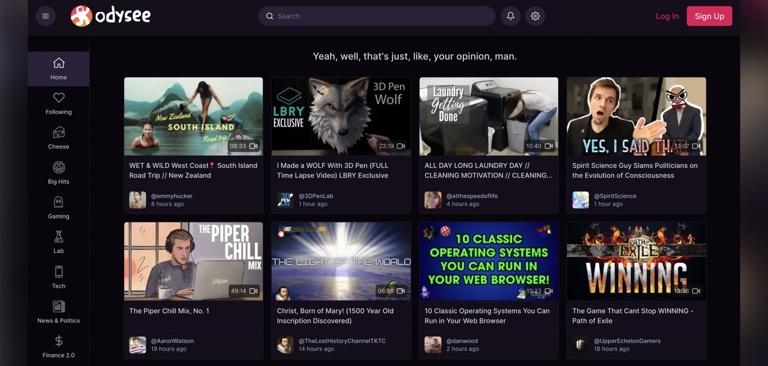
Odysee is a video sharing app that’s built on the open-source, decentralized, blockchain-based LBRY network.
The use of this LBRY network as a foundation gives Odysee several distinct advantages over centralized video sharing platforms where a single company controls the data. These advantages include greater resilience to censorship, lower fees on tips and donations, and more transparency around how its features work.
Since its beta launch in September 2020 and full launch in November 2020, Odysee has become the most popular LBRY app and already has millions of users and uploads.
It offers a wide range of content in categories such as commentary, finance, gaming, how-to, news, politics, science, and tech.
Decentralized, open-source, blockchain-based foundation
One of the key factors that differentiates Odysee from Big Tech platforms is its use of the LBRY network as a foundation.
Centralized social media platforms such as YouTube store and distribute content via their own servers which gives them complete control over the user-generated content that’s uploaded to their platform and the ways that it can be monetized. This creates a dynamic where the platform has much more power than the users who create the content.
Big Tech platforms use this power to arbitrarily censor and demonetize content and take a significant cut (usually between 30% and 45%) on the content they allow to be monetized. Since these platforms have all the power, they also provide little transparency to their users and most of their algorithms and censorship decisions are shrouded in secrecy.
The LBRY network’s decentralized, open-source, blockchain-based structure solves many of these problems by reducing the power LBRY Inc., the company behind LBRY, holds over Odysee users and adding more transparency to the platform.
Here’s a summary of how the LBRY network solves these problems:
1. LBRY blockchain
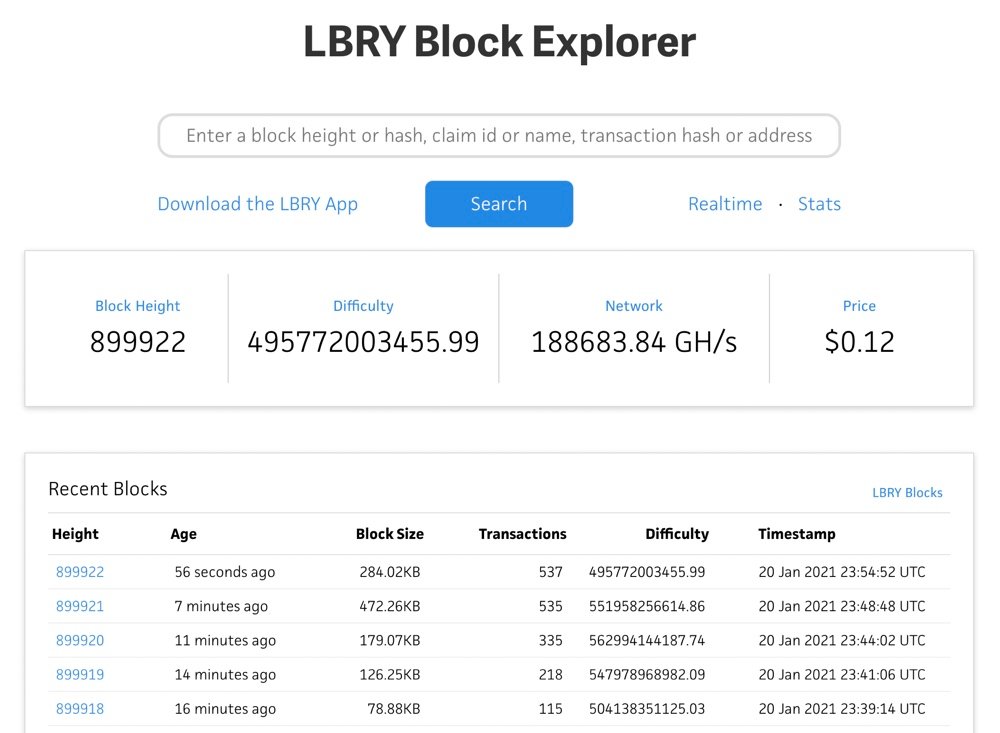
The LBRY blockchain is a distributed public ledger that contains a record of every transaction on the LBRY network. These transactions include records of the content that’s available, where it can be downloaded, and financial transactions (such as tips via LBRY Credits (LBC)).
The use of blockchain technology means that no single entity controls or hosts this data and therefore it’s much more resistant to censorship. Additionally, because all of the data is public, there’s much greater transparency than with Big Tech’s closed, centralized systems. All of the transaction data can be viewed via the LBRY Block Explorer at any time.
2. Peer-to-peer content distribution
Content that’s uploaded to the LBRY network is split up into pieces, encrypted, replicated, and stored collectively by network participants. Viewers can then download, decrypt, and view the content via a LBRY client such as Odysee.
For Odysee users, these processes are almost identical to the process of uploading, downloading, and viewing content on a centralized platform such as YouTube.
However, this decentralized, peer-to-peer setup prevents a single entity from being able to censor content. Even if a network participant deletes their piece of the content, the content will usually still be available from other network participants.
3. Open source foundation
While Odysee isn’t currently open-source, 95% of the code is the same as the open-source LBRY TV video sharing app, according to LBRY’s Community Support and Engagement Manager, Tom Zarebczan.
Additionally, the underlying LBRY blockchain, LBRY desktop app (which includes a desktop wallet that can be used to tip and support Odysee creators), LBRY Android app (which includes a mobile wallet that can be used to tip and support Odysee creators), and LBRY software development kit (SDK) are all open source.
This open-source foundation allows users to inspect the source code and gain a level of transparency that isn’t possible with closed Big Tech platforms. For example, YouTube hides its trending and recommendation algorithms from the public but the source code for LBRY’s Trending/Top/New functionality is available here.
4. LBRY Credits (LBC) cryptocurrency
Content on Odysee and the LBRY network can be monetized and promoted via the LBRY Credits (LBC) cryptocurrency. Viewers can buy or earn LBC and then use their LBC to tip creators or purchase exclusive content from them.
Since LBC powers monetization on Odysee, there’s no risk of videos being demonetized like on YouTube. Creators can also store their wallet locally via the LBRY desktop and Android app. This lets them receive payments directly and prevents a centralized authority from withholding their funds.
Additionally, LBRY states that creators receive 100% of the payment that is sent to them. For comparison, YouTube takes a 30% cut on Channel Memberships and Super Chats and an estimated 45% average cut of ad revenue.
Approach to content moderation
Odysee, LBRY, and Jeremy Kauffman, the CEO and Founder of both companies, have all expressed strong support for free speech and criticized Big Tech censorship.
Kauffman has described YouTube’s content moderation standards as “far too strict” while Odysee has stated that it has a “welcoming stance to creators of all beliefs and persuasions.”
LBRY’s describes its focus as “content freedom” and adds that LBRY is “the most censorship-resistant system to ever exist for the purposes of publishing digital content” because “anyone in the world can access the LBRY network without relying on LBRY Inc. servers or machinery.”
When it comes to prohibited content, anything that’s illegal under US law, spam, pornographic material, content that incites violence, content that promotes terrorism, animal abuse, torture videos, and copyright-infringing materials are all expressly prohibited.
There are also a couple of gray areas in Odysee’s guidelines – content that incites “hatred” towards a particular group and “excessive bullying” of people who aren’t well known within the public sphere are both banned.
“Hate speech” and “bullying” are vague and subjective terms that have both been used to justify increased levels of censorship on YouTube in recent years.
But so far, Odysee hasn’t used these terms to implement mass censorship and many popular creators that have been banned by YouTube for hate speech are Odysee creators.
Also, because Odysee is open-source and decentralized, Odysee users aren’t locked into the ecosystem in the same way that they are with closed-source, centralized video sharing platforms such as YouTube.
If Odysee ever does start to implement more aggressive censorship measures under these rules, anyone in the community can take the code and create a client that doesn’t censor as broadly.
Video discovery and distribution features
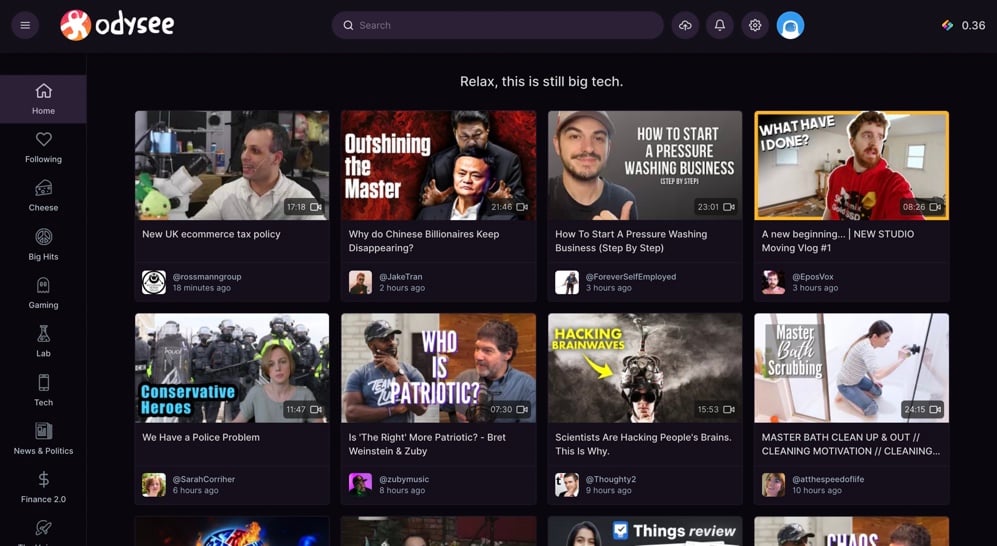
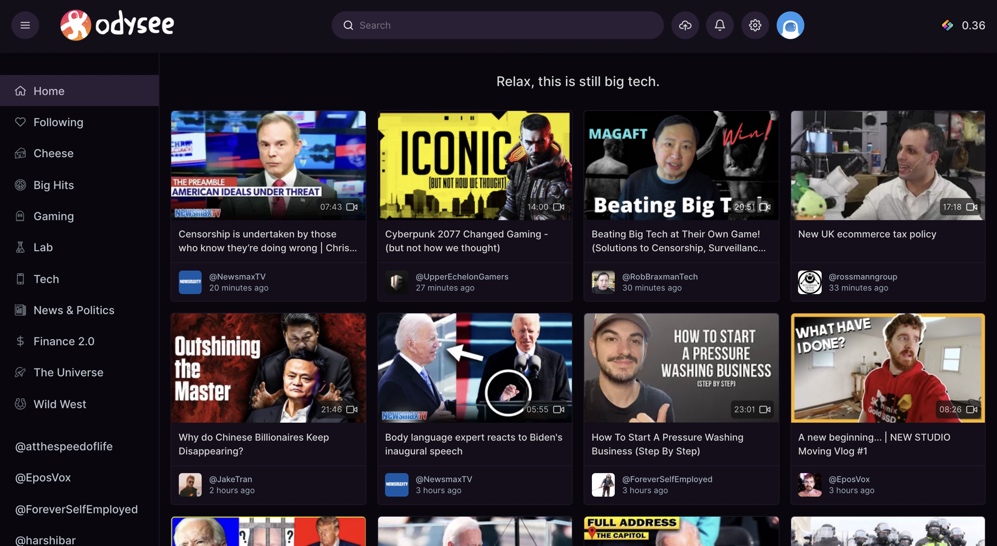
Odysee lets you follow and get notifications from any channel on the platform. The latest videos from the channels you’re following are displayed on the “Following” page and at the top of the homepage. Odysee’s left-hand sidebar also contains direct links to all the channels you follow.
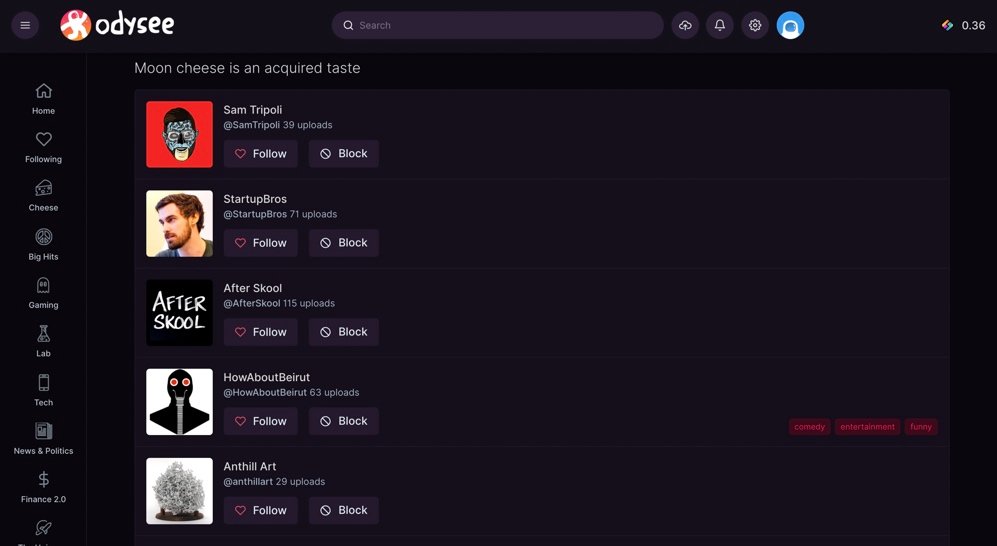
If you’re looking for new channels to follow, Odysee has a “Discover Channels” link on the Following page which serves up a list of channels that you can follow.
Alternatively, you can browse for videos via Odysee’s topic-based categories which are promoted in the sidebar and on the homepage.
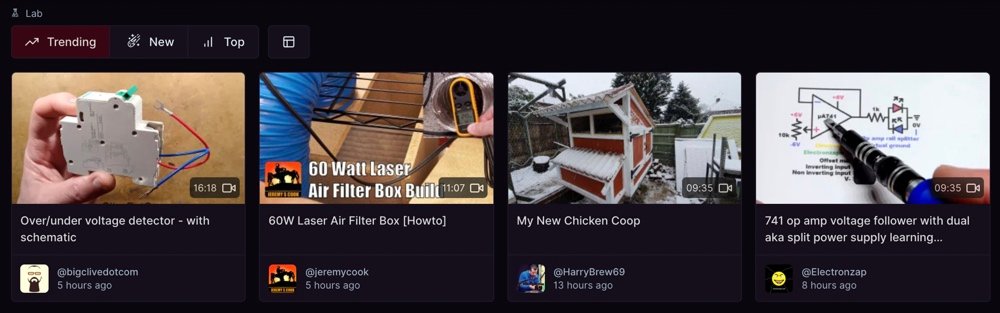
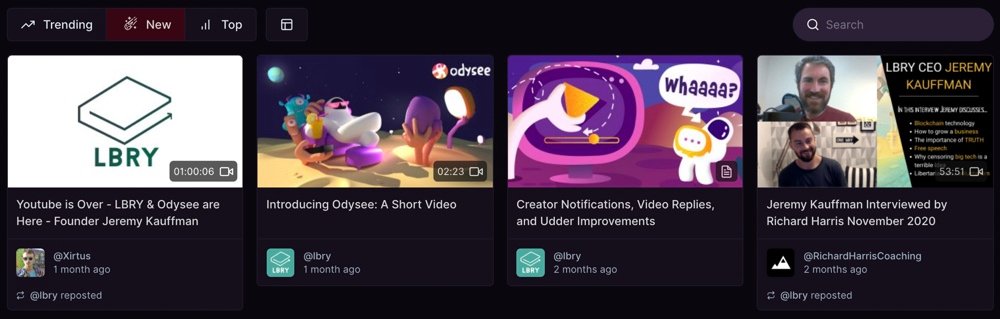
Videos on Odysee’s category pages, channel pages, and your Following page can be ranked by “Trending,” (videos that have the greatest increase in tips over the last few hours and days) “New,” or “Top” (videos that have received the largest total amount of tips over the last week).
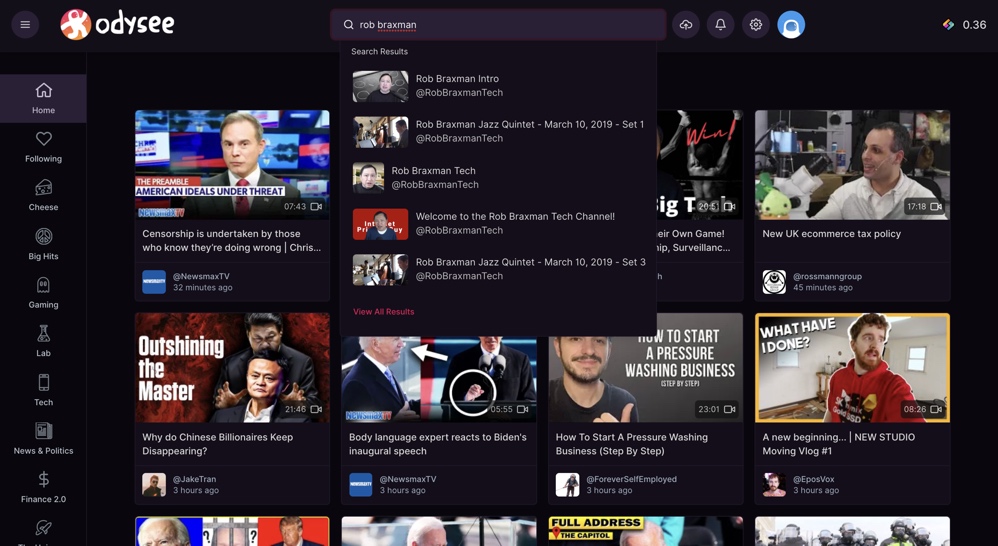
You can also search for videos and channels directly via Odysee’s search box.
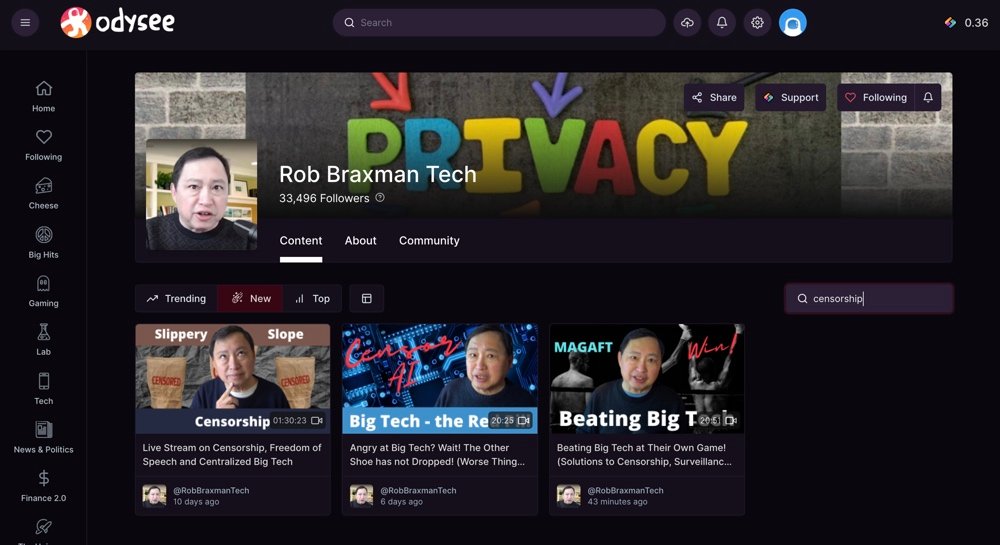
Each channel also has its own search box which you can use to search for specific videos from that channel.
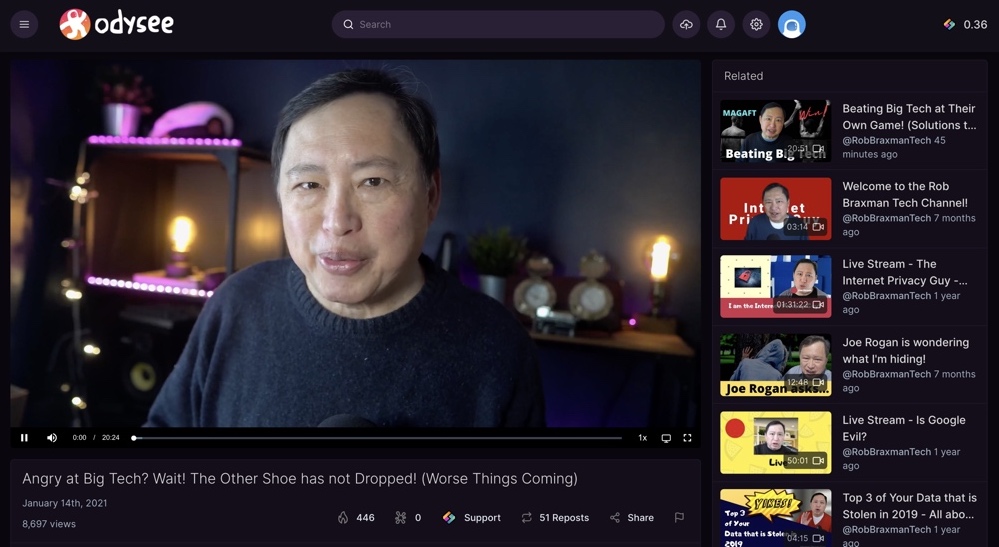
When you start watching videos, Odysee will also recommend related videos in the sidebar or below the video.
Native monetization options
If you’re a creator, there are several ways you can monetize your Odysee videos with LBC.
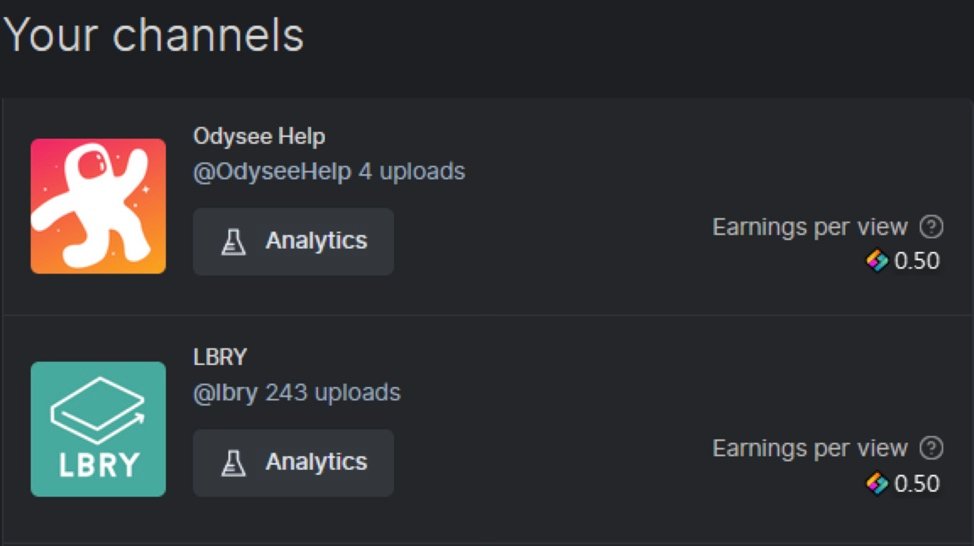
If you have a verified account, you can receive LBC rewards when verified users watch your videos. Your earnings per view are displayed on your “Channels” page.
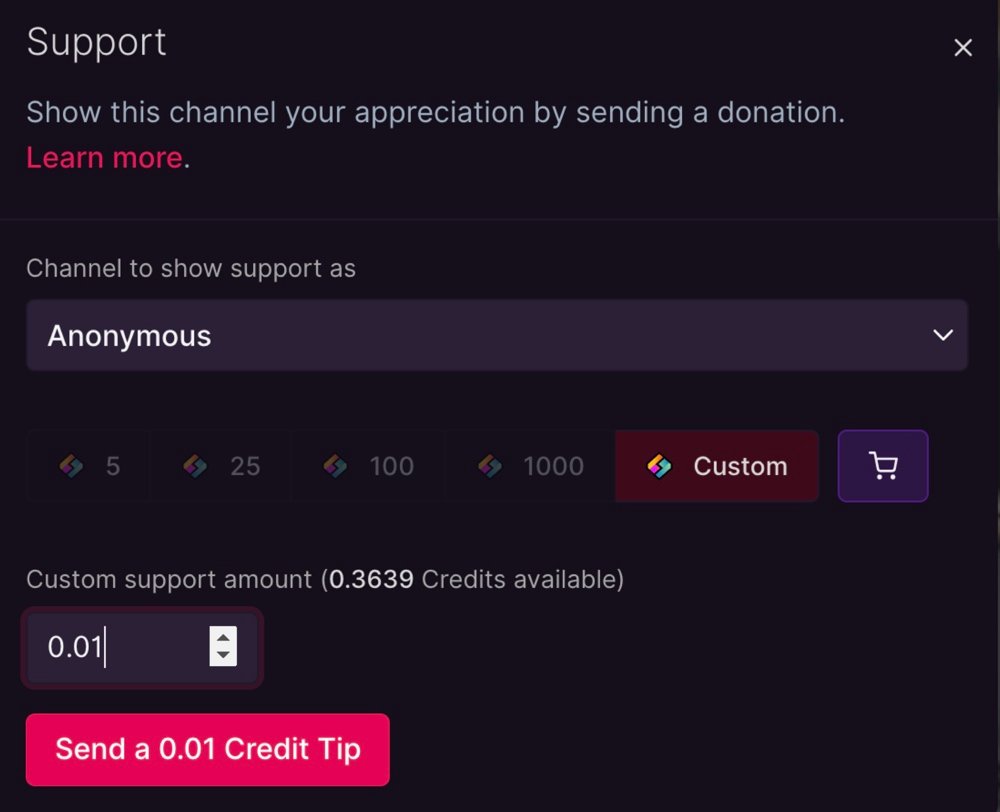
Viewers can also donate LBC to your channel by clicking or tapping the “Support” button that appears on video and channel pages.

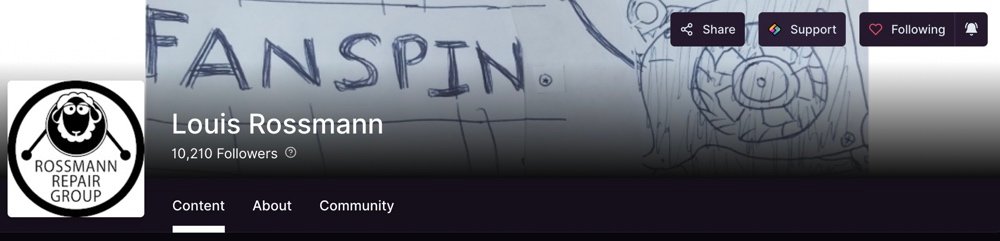
By default, this LBC is staked against your channel or video and boosts the performance of your videos in search results and the Top and Trending categories on Odysee. However, you can unlock this donated LBC at any time by following the steps in this guide.
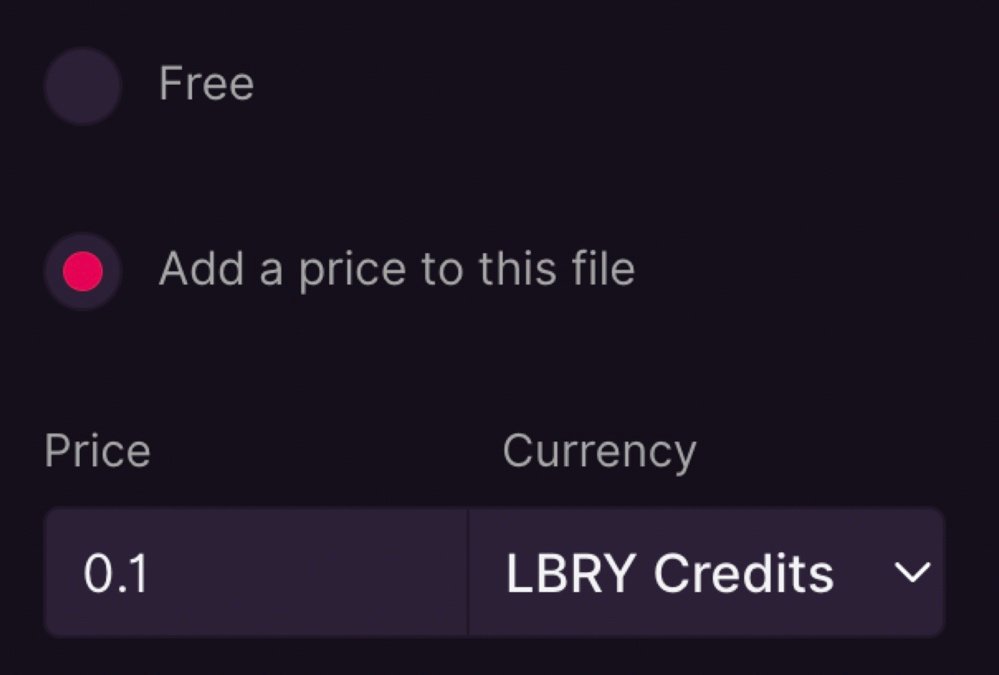
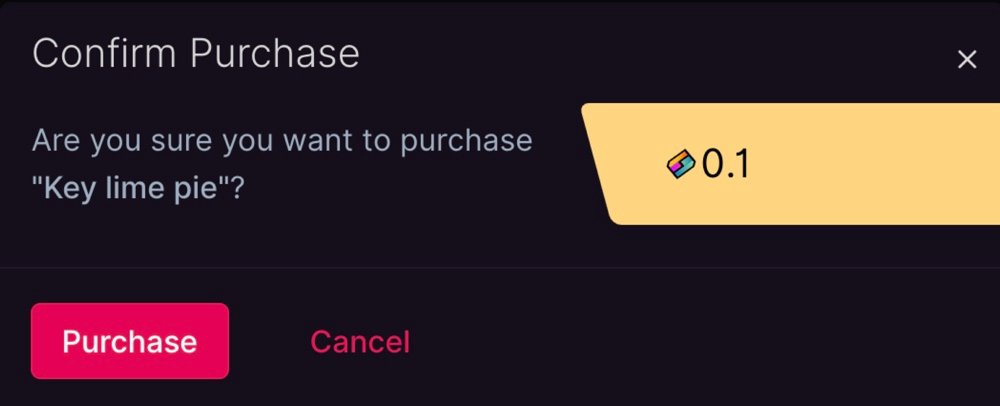
Additionally, you can choose to charge LBC for your videos during the upload process. Simply set a price for the video when uploading and then you’ll get paid in LBC every time a viewer pays to unlock the video.
All viewers and creators can also earn LBC via the Odysee Rewards program which rewards users with LBC for completing tasks such as following creators, streaming content, uploading content, and inviting friends.
However, to qualify for Odysee Rewards, you need to verify your account via your phone number or credit card or by providing proof of identity via chat.
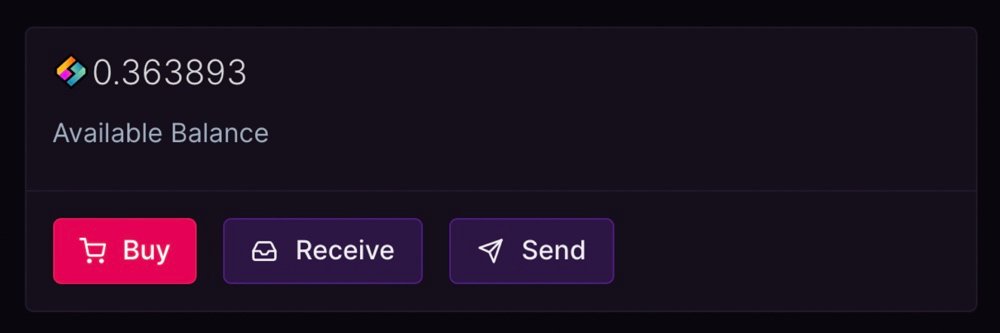
Your LBC is stored in a wallet which you can use to send and receive LBC at any time. You can also buy additional LBC via MoonPay or exchange the LBC for other cryptocurrencies or fiat currencies via a cryptocurrency exchange.
To see how much LBC has been donated on a video by video basis, navigate to the LBC counter that appears below each video. You can also open this counter to get a more detailed breakdown of the donations and the amount of LBC that’s currently staked against the video.


Engagement and sharing features
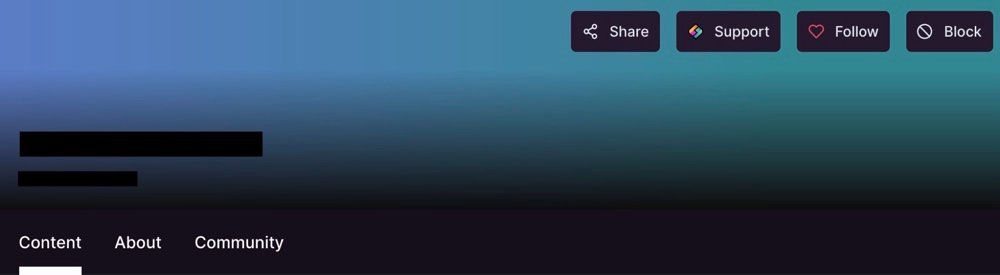
Every Odysee channel that you follow has share, support, follow, and notification buttons which make it easy to donate to and stay up to date with your favorite creators.
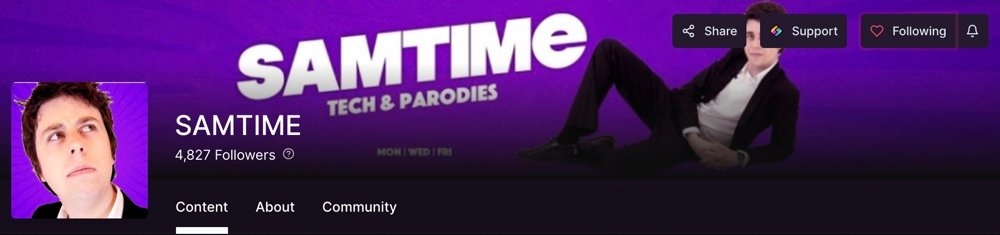
Videos from the channels you follow also have these same engagement options below the video. Additionally, you can like, dislike, or report any video on Odysee.
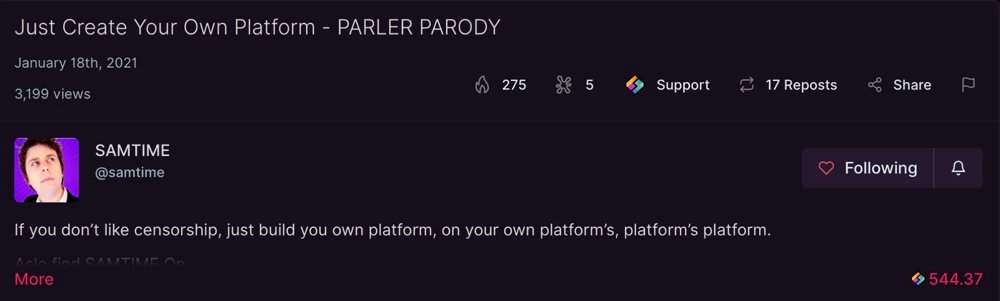
One of the most unique video engagement options on Odysee is the repost option which allows you to repost videos from other channels to your main channel feed.
You can comment on any video or use a channel’s “Community” tab to comment on and discuss the channel. You can also like or dislike individual comments and if you’re a creator, you get an additional reaction option – “Creator likes.” Comments can be ranked by “Best,” “Controversial,” and “New.”
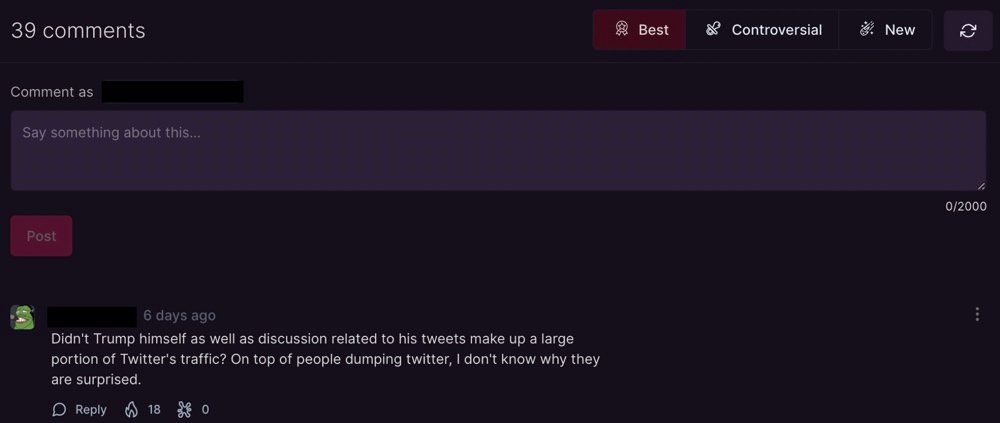
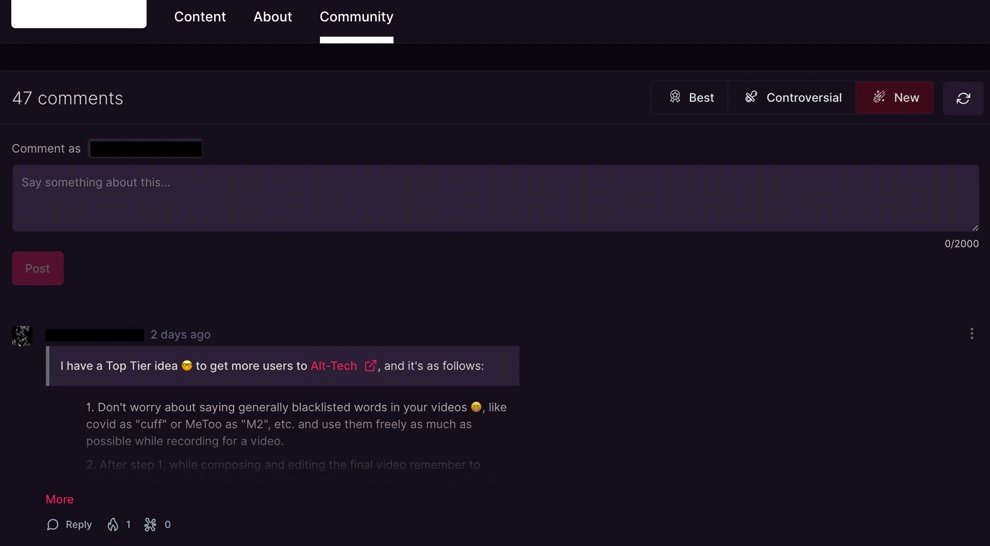
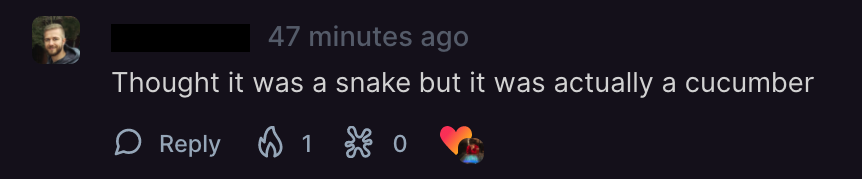
Any channel that you don’t want to see content or comments from can be blocked via their channel page or their comments. You can manage your blocklist via Odysee’s settings page.

Video playback options
Odysee has a built-in floating player that keeps the current video playing as you browse through other videos, channels, and pages on the site.
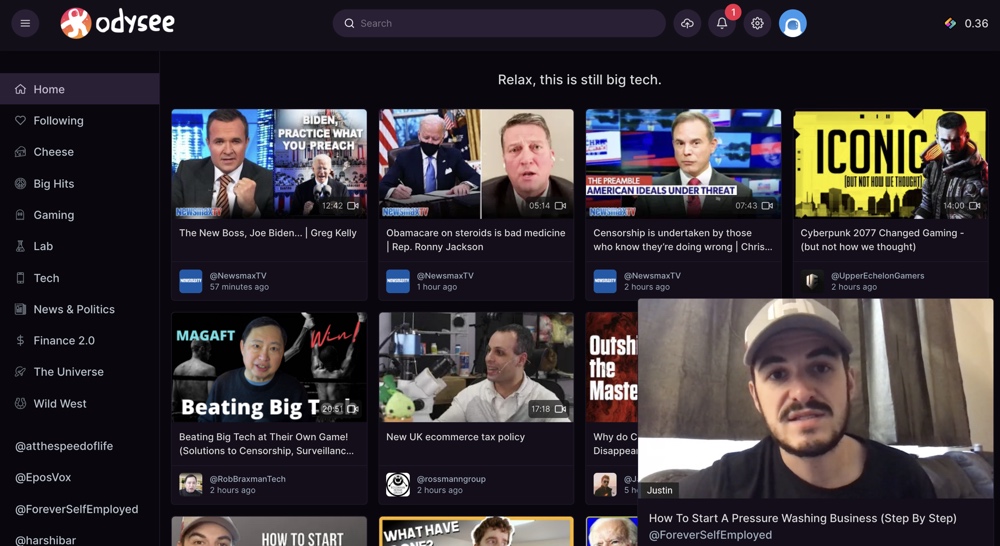
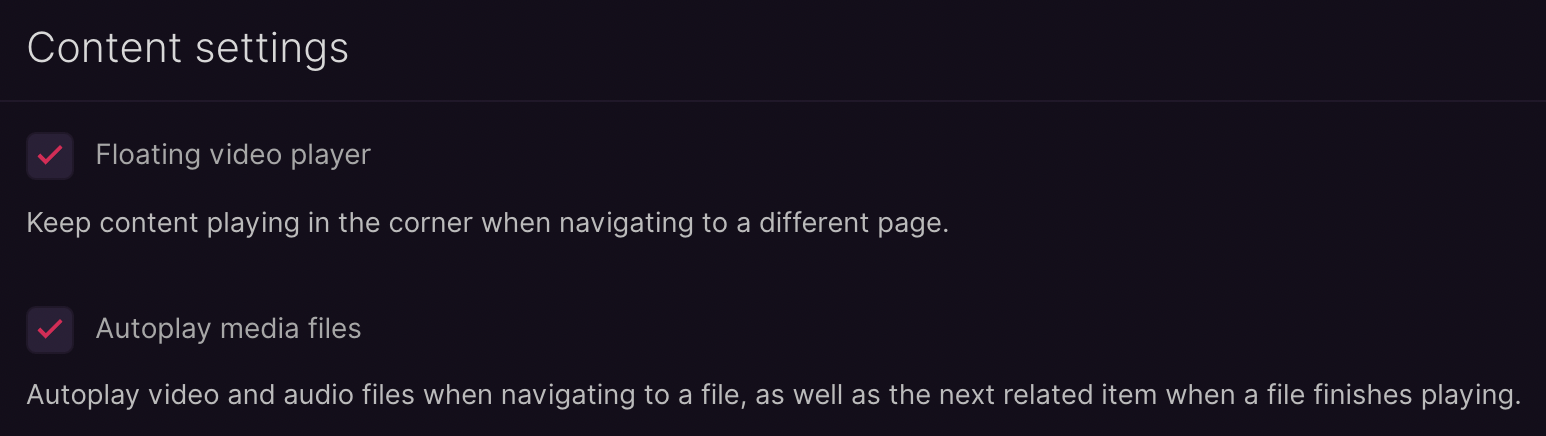
You can adjust the position of this video player and also enable or disable it via Odysee’s settings. Additionally, you can toggle between manual and automatic video playback via these settings.
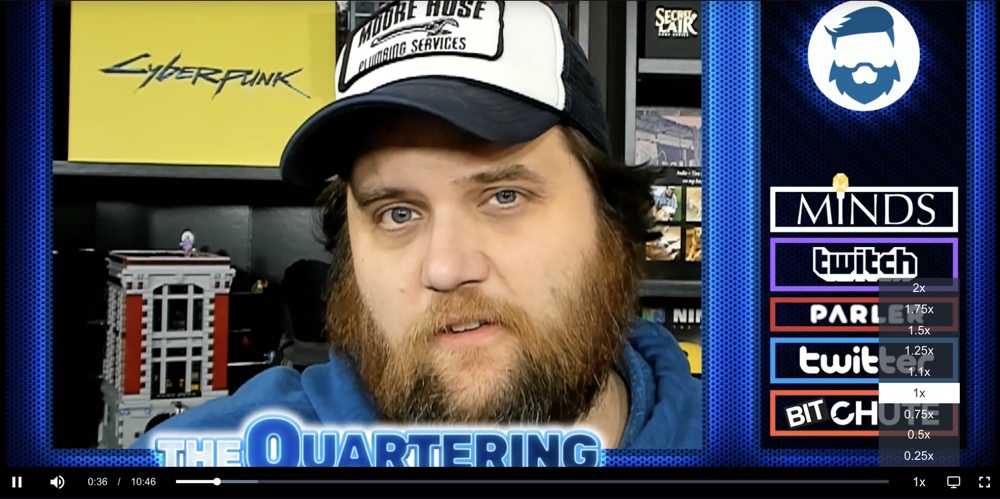
You can also speed up or slow down any Odysee video by using the variable speed control. Video playback speed can be reduced to 0.25x and increased to 2x.
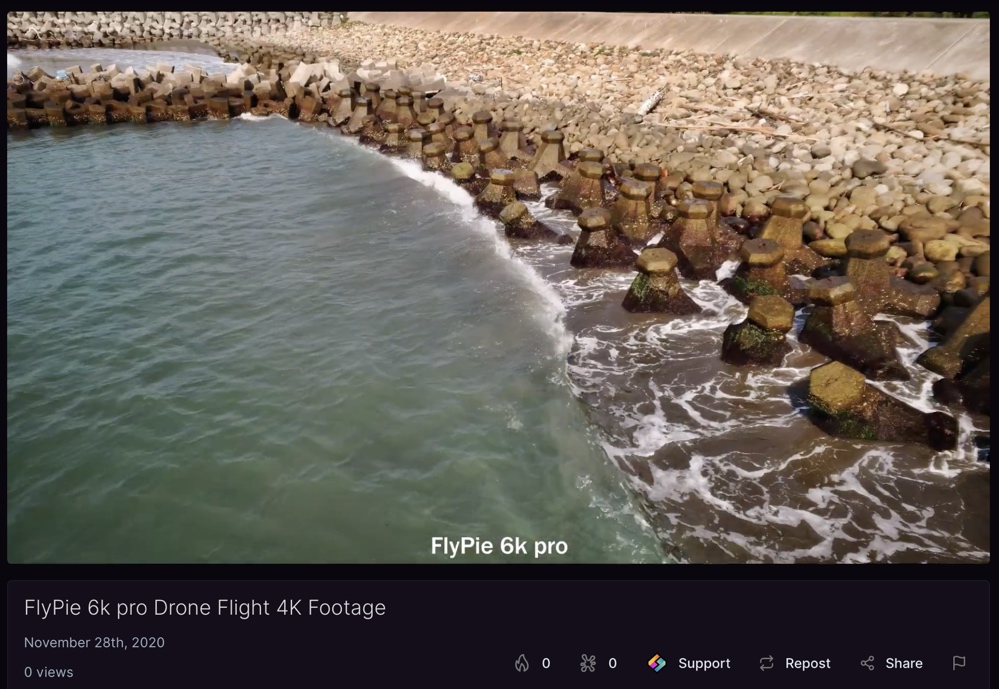
Odysee supports all video resolutions and there are 4k (2160p) videos available on the platform. However, Odysee recommends that users upload videos at 720p in an MP4 container with H264 video encoding and AAC audio with a maximum bitrate of 5 Mbps.
Odysee will play videos at their maximum resolution but there are no toggles to change the video playback quality.
Notification options and customization
Whenever you follow an Odysee channel, you can toggle notifications for that channel on or off via the channel page or below any videos posted by that channel.
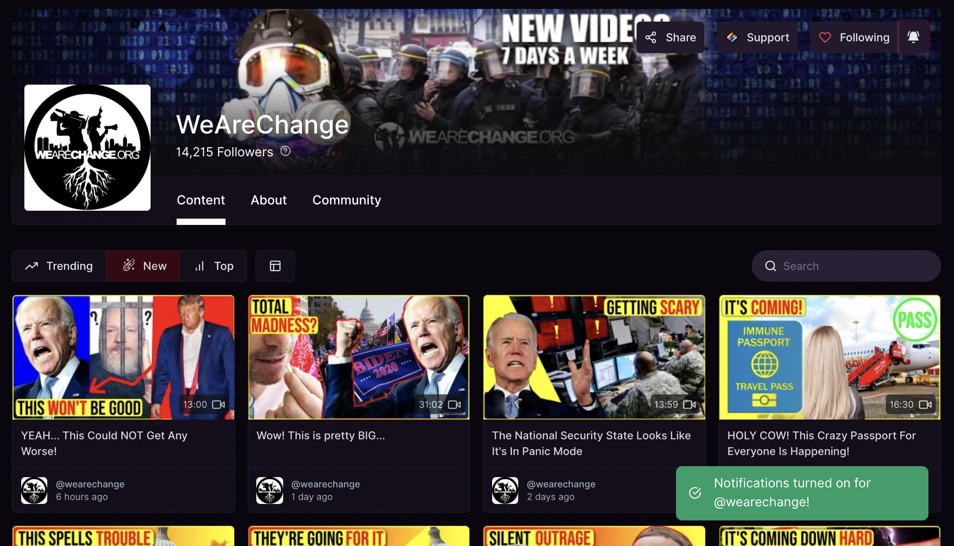
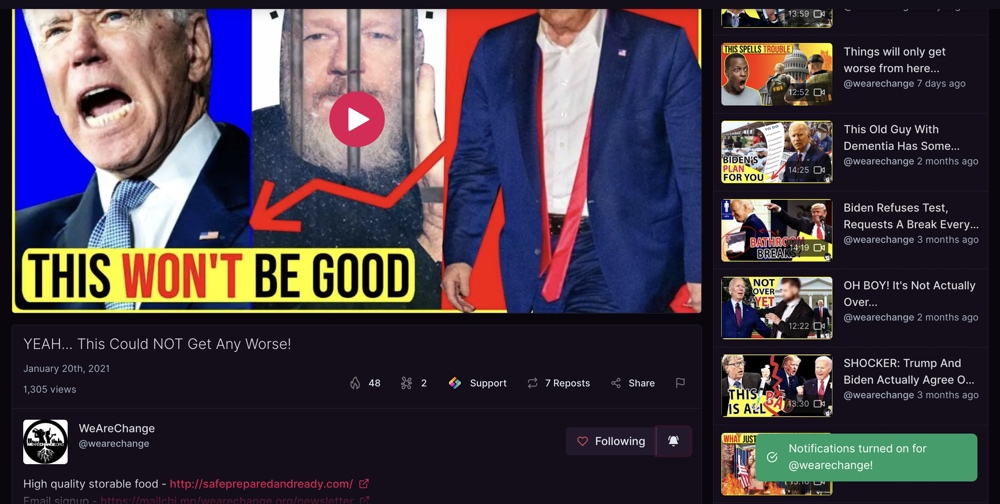
Odysee then sends a notification whenever the channels you’ve enabled notifications for post new videos. Unread notifications are displayed next to Odysee’s notification bell.
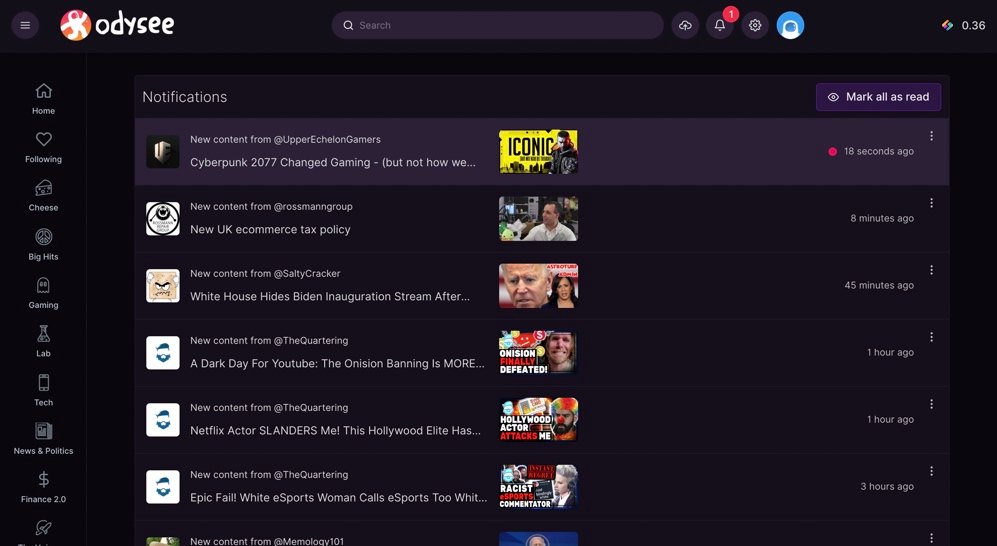
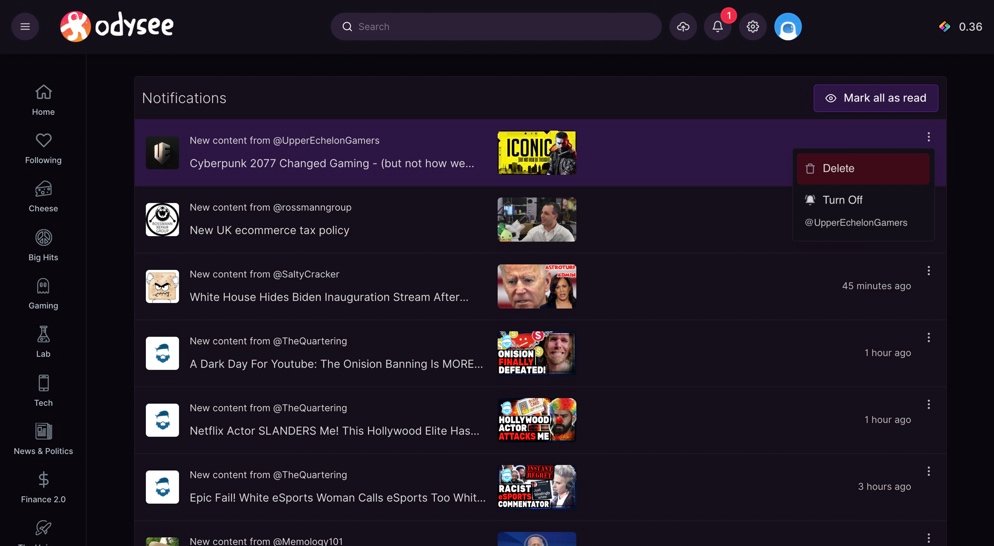
You can view these notifications, mark them as read, delete them, or disable them by clicking or tapping on the bell.
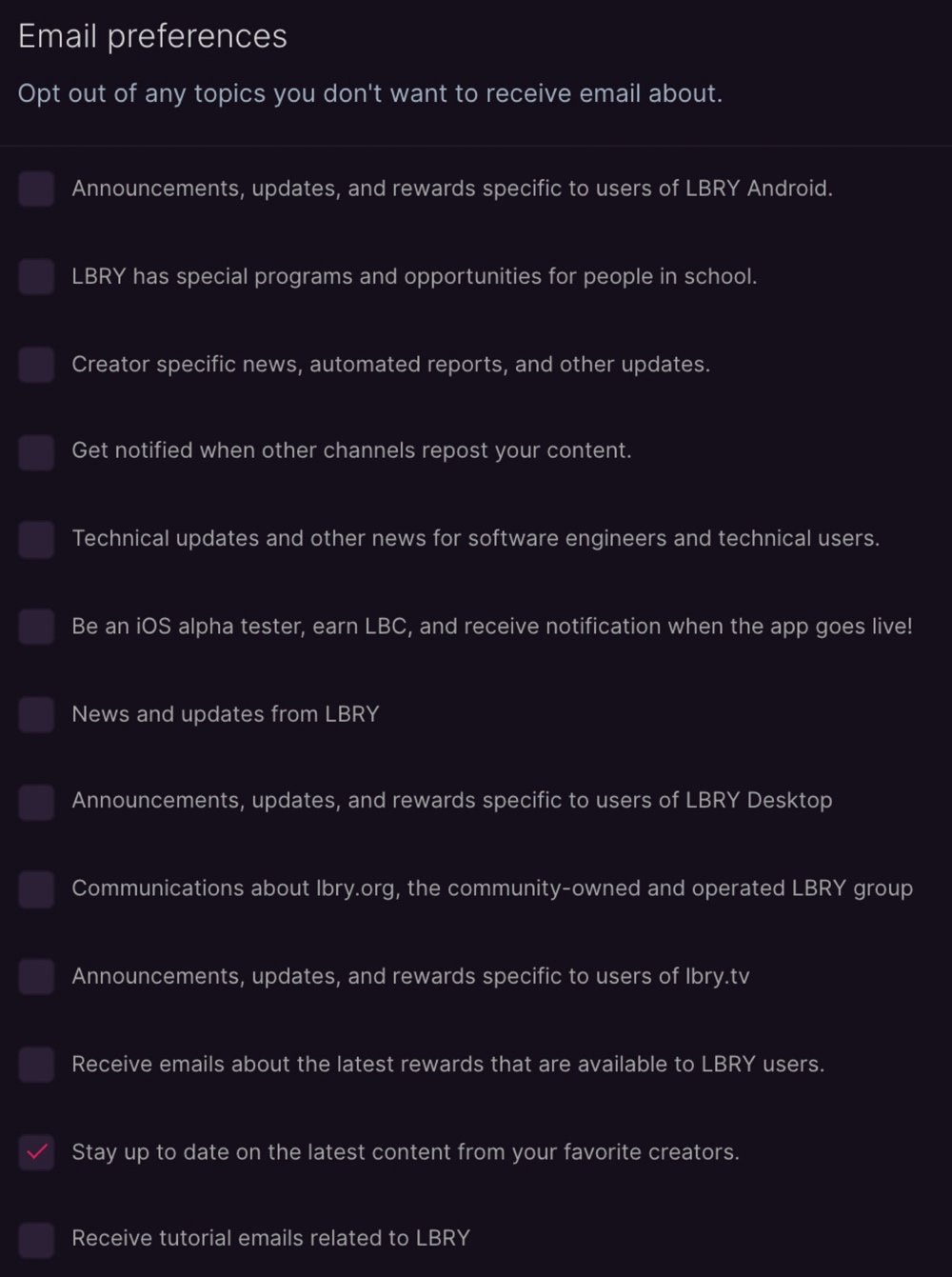
You can also choose whether to receive email notifications when your favorite creators post new content via Odysee’s settings.
Display options
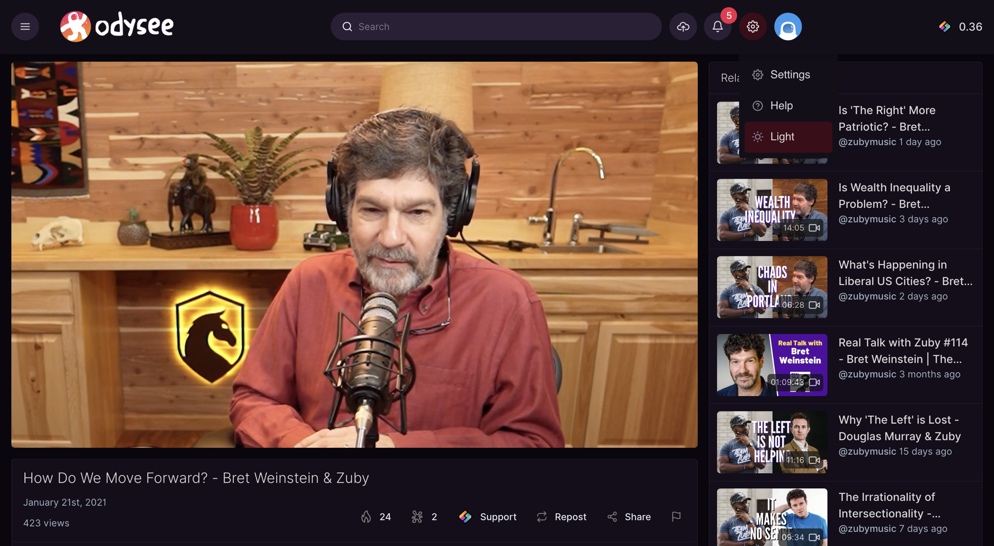
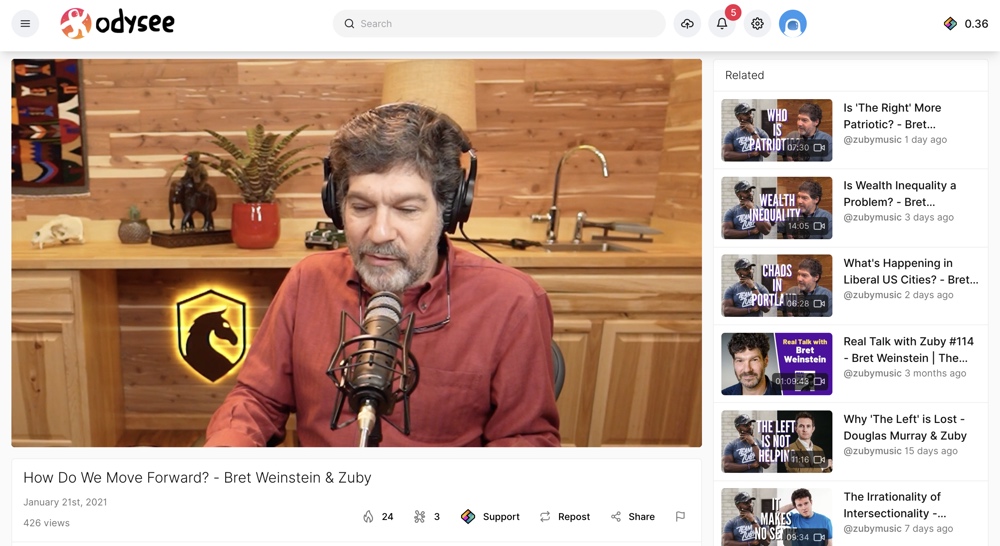
Odysee offers both dark and light modes and has a simple toggle that you can use to quickly flip between both modes.
Upcoming features
Odysee is planning to add lots of new features including an ads system (where creators can control how they monetize and viewers can pay to skip ads), live streaming, playlists, variable bit-rate playback, additional homepages, more functionality around LBC, notification improvements, comment moderation tools, and an iOS app.
The Odysee team and CEO haven’t provided any specific timeframe for when these new features will be coming but ads are said to be coming “eventually,” live streams are coming but “not soon,” and all of the other features are coming “soon.”
Website and apps
Odysee can be accessed directly via its website or its iOS app. You can also sign in to your Odysee account via other LBRY apps. These apps have similar features to Odysee and since they also use the LBRY network as a foundation, your subscriptions, LBC wallet, comments, and more are cross-compatible with these apps.
Additionally, you can use the LBRY Block Explorer to do a deep dive on LBRY blockchain data and see blockchain stats, transaction data, wallet data, and more.
Here’s a list of all the Odysee and LBRY apps: