Just in time for the global digital ID agenda playing out, Microsoft has published instructions for developers on how to use an API that is not yet active.
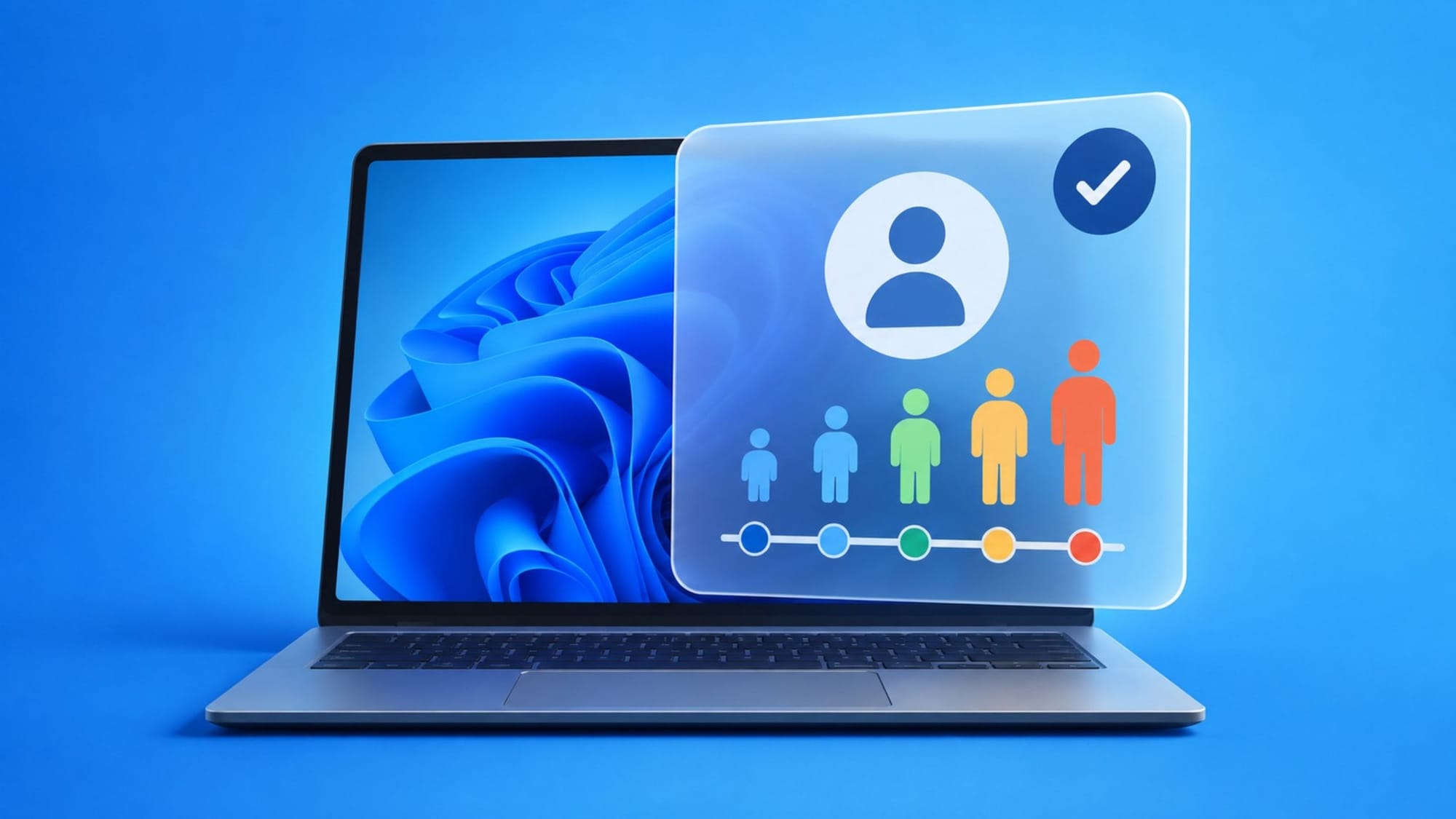
The API, or programming interface, is designed to let apps on the Windows 11 operating system find out a user’s age bracket, and whether that age has been verified by an “identity provider.”
The age bracket is very broad: under 10, 10-12, 13-15, 16-17, and 18 and over. The verification status, on the other hand, can be one of five options: Verified, Unverified, OptedOut, TemporarilyUnavailable, or NotApplicable.

Microsoft does not go into what these identity providers will be, or what evidence they will use to verify a person’s age. The company only says that the second value returned by the API will show “whether the user’s age has been independently verified by the identity provider.”
Microsoft frames this as a way to improve privacy, by giving app developers a way to determine a user’s age without actually knowing their date of birth, or any other personally identifiable information. According to Microsoft, this is a “privacy-preserving mechanism” that will allow apps to comply with regulations concerning child safety. But, as we’ve seen from bills that call for this type of technology to be installed in operating system, this is all about normalizing age checks (and therefore ID checks) at all stages of digital life.
In this case, an age signal does not directly expose the user’s age or date of birth. Instead, it provides a way to adapt content, features, or access controls in an app based on the user’s age range and age verification status. For example, an app can use the age signal for user-generated content, social or communication tools, in-app purchases, virtual currencies, or maturity-rated media.
Microsoft goes into some detail about how developers can use the API, but notes that it is not yet available and will not return any useful data until it is turned on later in the year. For now, the company is providing the documentation ahead of the release to give developers a head start.
In January 2024, Microsoft was more cautious about the possibility of creating a system to determine a user’s age online. At the time, the company said it was exploring various methods and seeking expert input, but was not sure that the technical solution was there yet.
“There is currently no clear technical solution to age assurance that achieves the accuracy needed to effectively identify or verify a user’s age without risking trade-offs such as potential security, privacy, and human rights risks,” a Microsoft blog post said at the time.
California has since created its own framework for age verification.
In June 2026, Assemblymember Buffy Wicks defended her bill, the Digital Age Assurance Act, AB 1043, as a balanced approach that will protect children online while respecting privacy and usability. The law becomes operative in 2027, and will require covered operating systems to supply age-range information to developers.
Wicks explained that the system will work by sending the age range “from a device operating system to developers when an app is downloaded and launched.”
As for Microsoft’s API, the documentation shows that developers will have to register with the company’s Digital Safety platform and get validated before they can use the age signal. The API also “must run in a user session with a Microsoft account signed in.”
For now, the API is not functional and developers who try to use it will get a response that the user’s age is “unknown” and that the verification status is “unavailable.”