
When YouTube censors videos, it also scrubs the video title and the name of the channel that uploaded the video from the page. All that remains is white space and a notice stating: “This video has been removed for violating YouTube’s terms of service.”
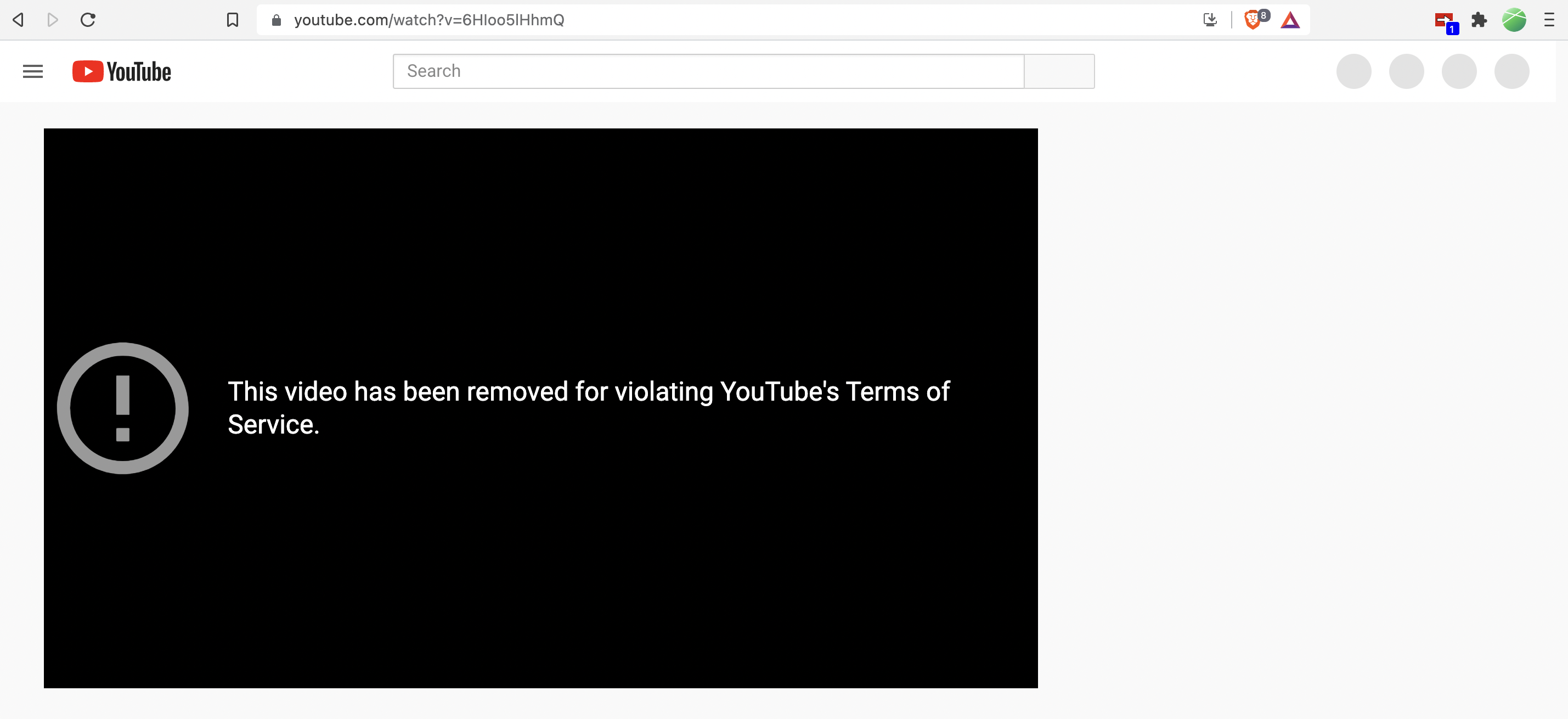
This means that if all you have is a link to a YouTube video that was censored before you had a chance to watch it, you can’t search for the video title or the creator on alternative platforms.
The open-source TubeShift browser extension fixes this problem by finding alternative versions of censored YouTube videos and making links to these alternative videos available to you with a single click.
In addition to helping you find censored videos, TubeShift also finds alternative versions of non-censored videos across a variety of platforms. So if you’re watching a video on YouTube, TubeShift will let you know if the video’s also available on BitChute, Odysee, and the other platforms it supports.
While TubeShift is great for finding alternative versions of YouTube videos, you can also use it to find alternatives while browsing the other supported sites. For example, if you’re on Odysee and want to see if the creator also uploads to Rumble, TubeShift will let you know with a single click.
Currently, TubeShift supports five video-sharing platforms – BitChute, Odysee, Rumble, YouTube, and Dailymotion. It also plans to add support for the free speech video sharing platform Gab TV after it makes a planned change to its website.
By default, the TubeShift extension will turn red and show a counter whenever alternative versions of the video you’ve opened are available. TubeShift will find these alternative versions for both censored and live videos. You can then click on the extension to display the links to these alternative versions.
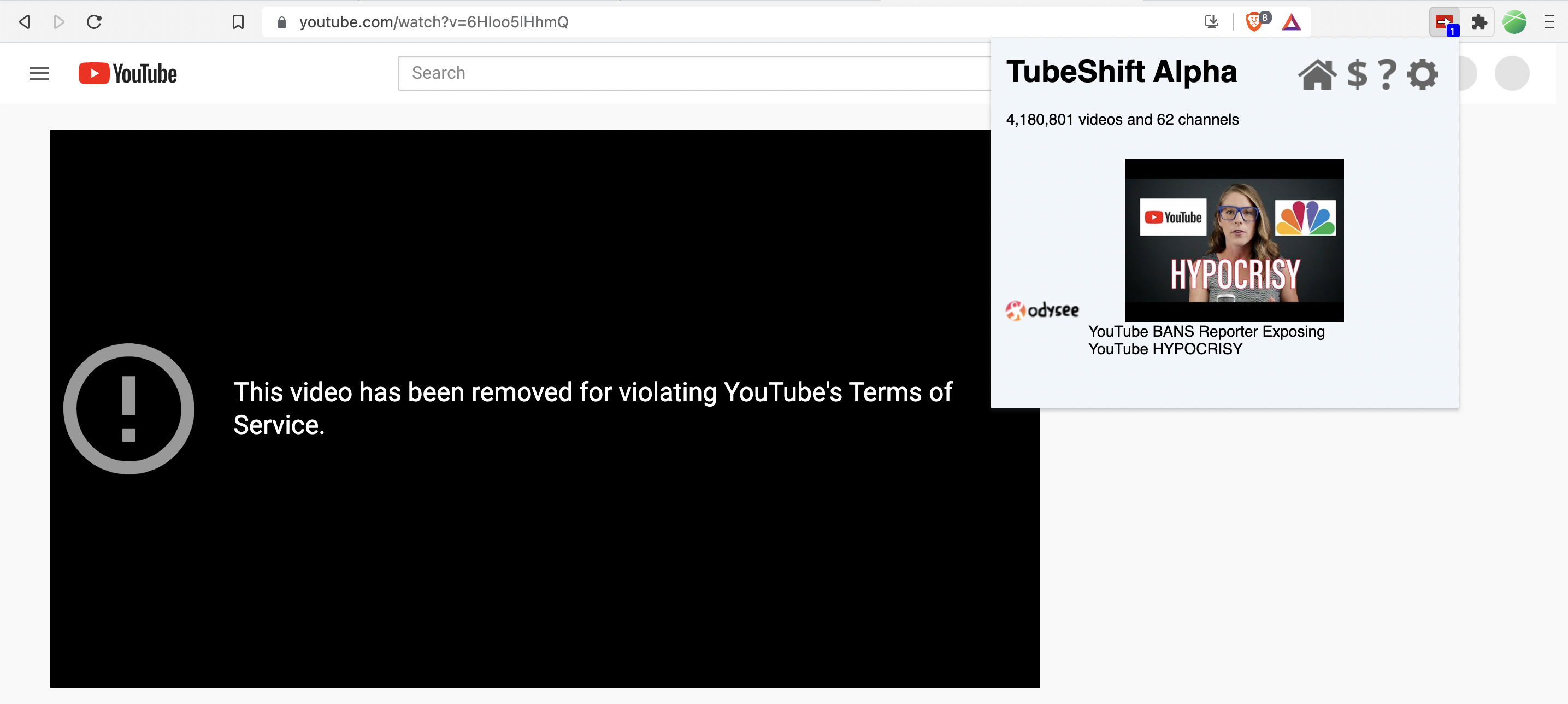
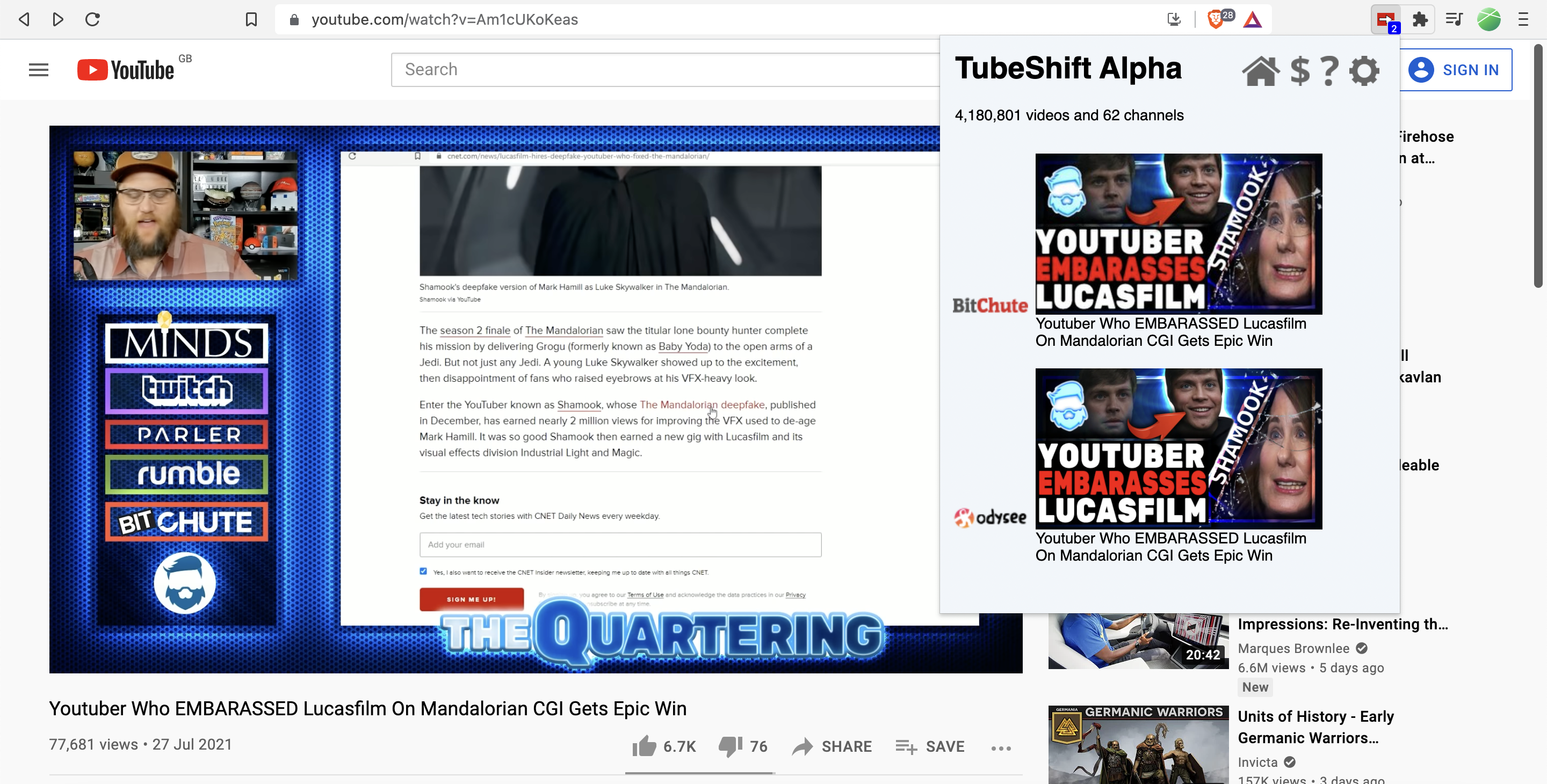
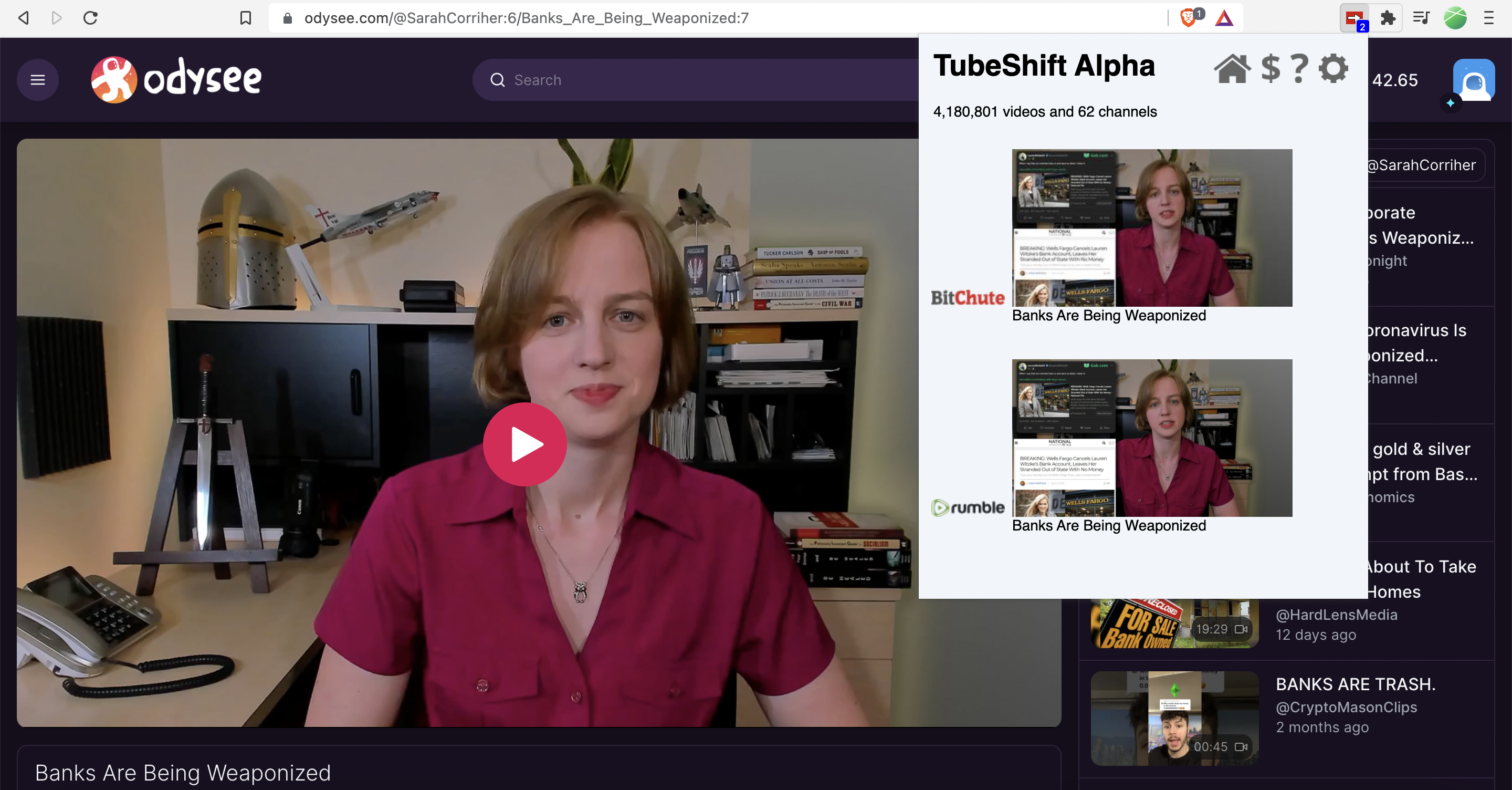
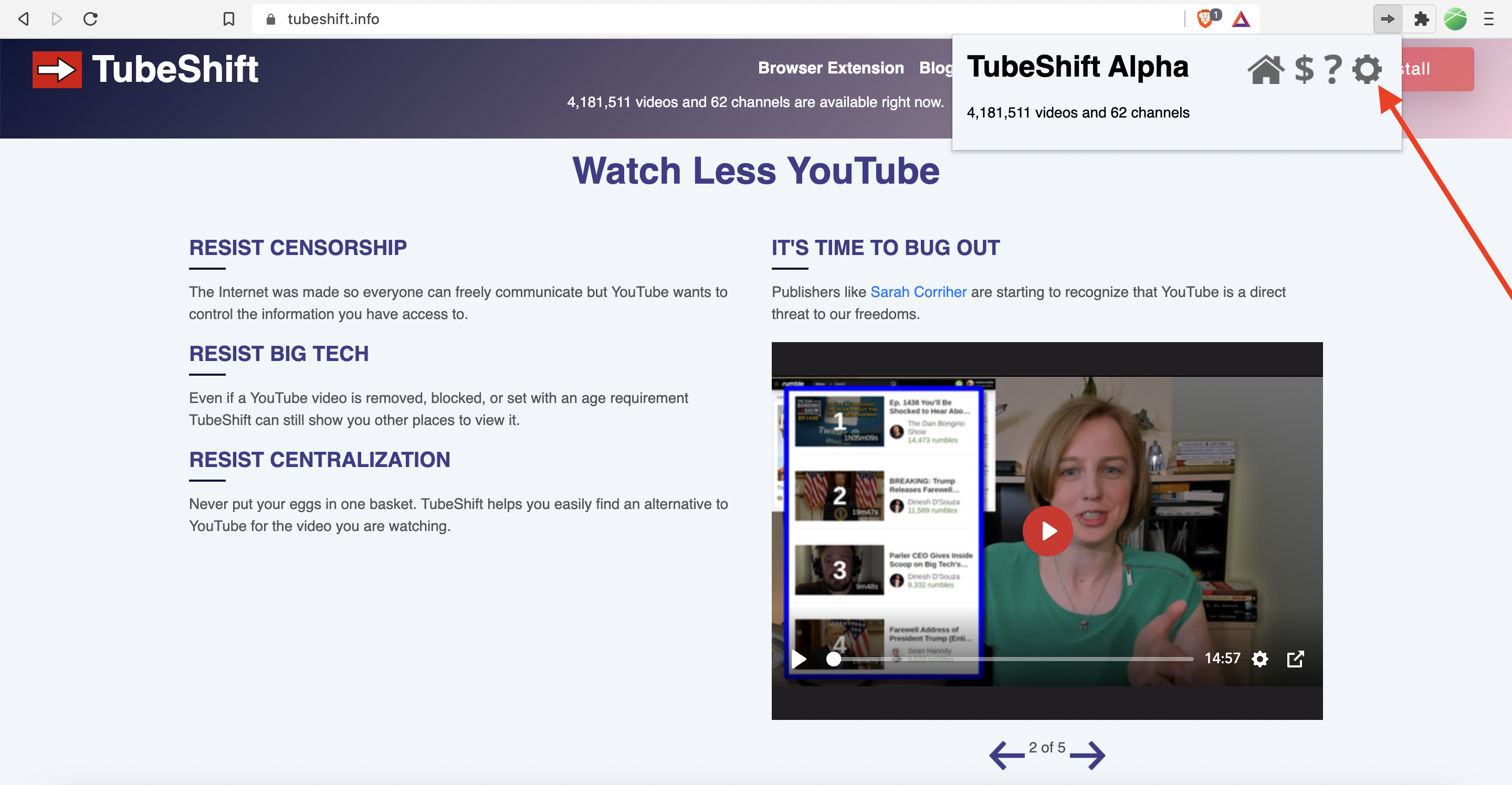
According to the TubeShift website, the extension is currently in its alpha testing phase and has 62 channels and over four million videos available. Some of the available channels include journalist Alison Morrow, commentator Sarah Corriher, investigative reporting outlet Project Veritas, and commentary channel TheQuartering.
TubeShift is accepting a limited number of channels during the test phase, so if there are other channels that you want to see in TubeShift, encourage them to submit their channel here.
TubeShift also has two main additional features – Visual Overlay and Auto-Shift.
To enable these additional features, you will need to let TubeShift read and change your data on BitChute, Odysee, and YouTube. You will be prompted to do this after installing TubeShift and can also enable them in the “Permissions” section of TubeShift’s settings.
Visual Overlay temporarily adds a red and white arrow overlay to videos that have alternative versions available via TubeShift.

Clicking the arrow opens a separate page with links to these alternative versions.
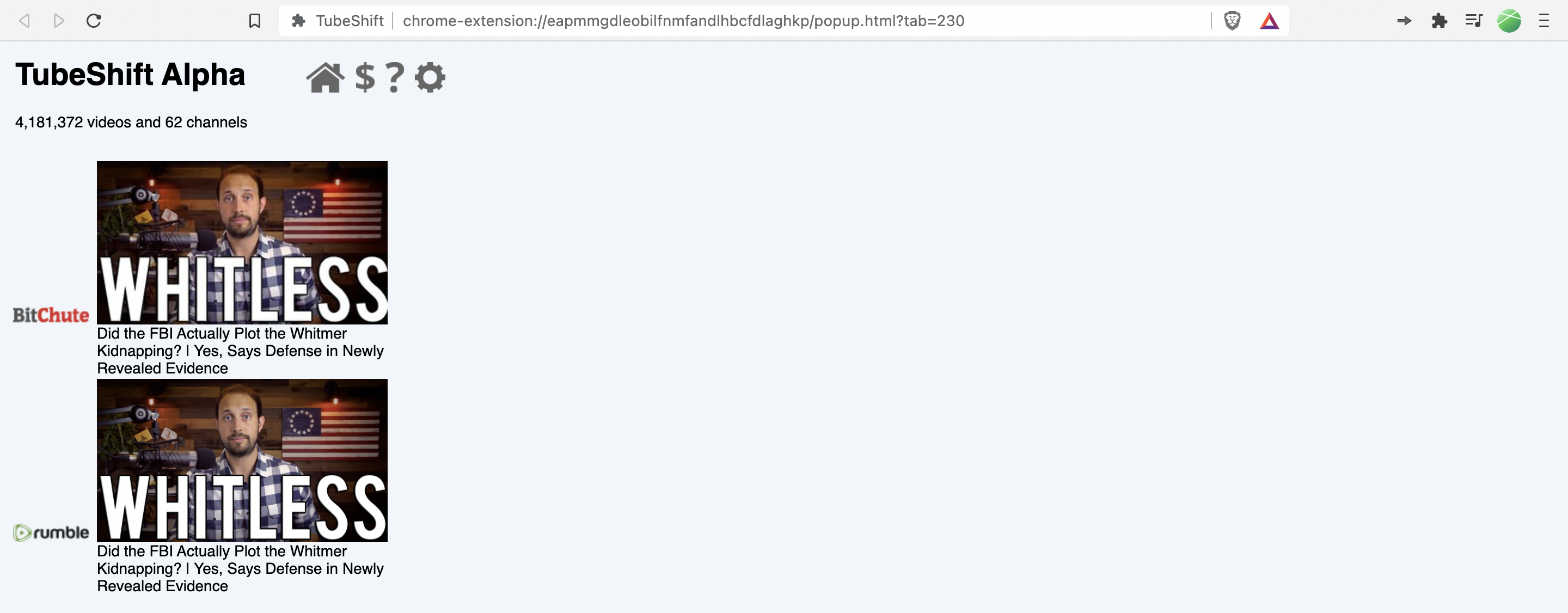
Auto-Shift works in conjunction with Visual Overlay and automatically opens an alternative version of YouTube videos that you’re watching in a new tab. When this feature is enabled, the arrow in the Visual Overlay will be gray and start to fill with white. After it’s completely filled with white, the alternative version of the video will open in a new tab.
By default, it will take around six seconds for the arrow to completely fill with white and the alternative version of the video to auto-load. However, if you hover your mouse pointer over the Visual Overlay, it will stop filling with white until you move your mouse pointer and the time it takes to auto-load the alternative version of the video will be extended.
After you’ve enabled these features, you can further customize TubeShift via the “Behavior” section of its settings by toggling the “Show,” “Lookup,” “Overlay,” Auto-Shift From,” and “Auto-Shift To” options.
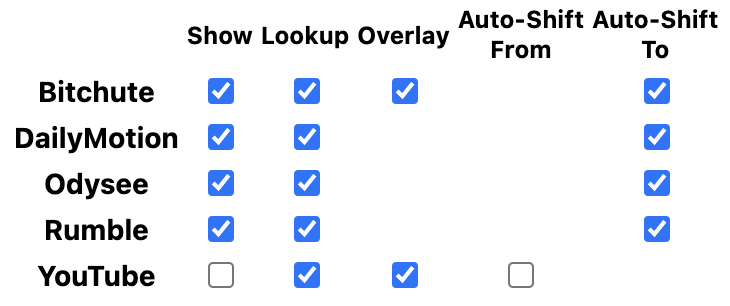
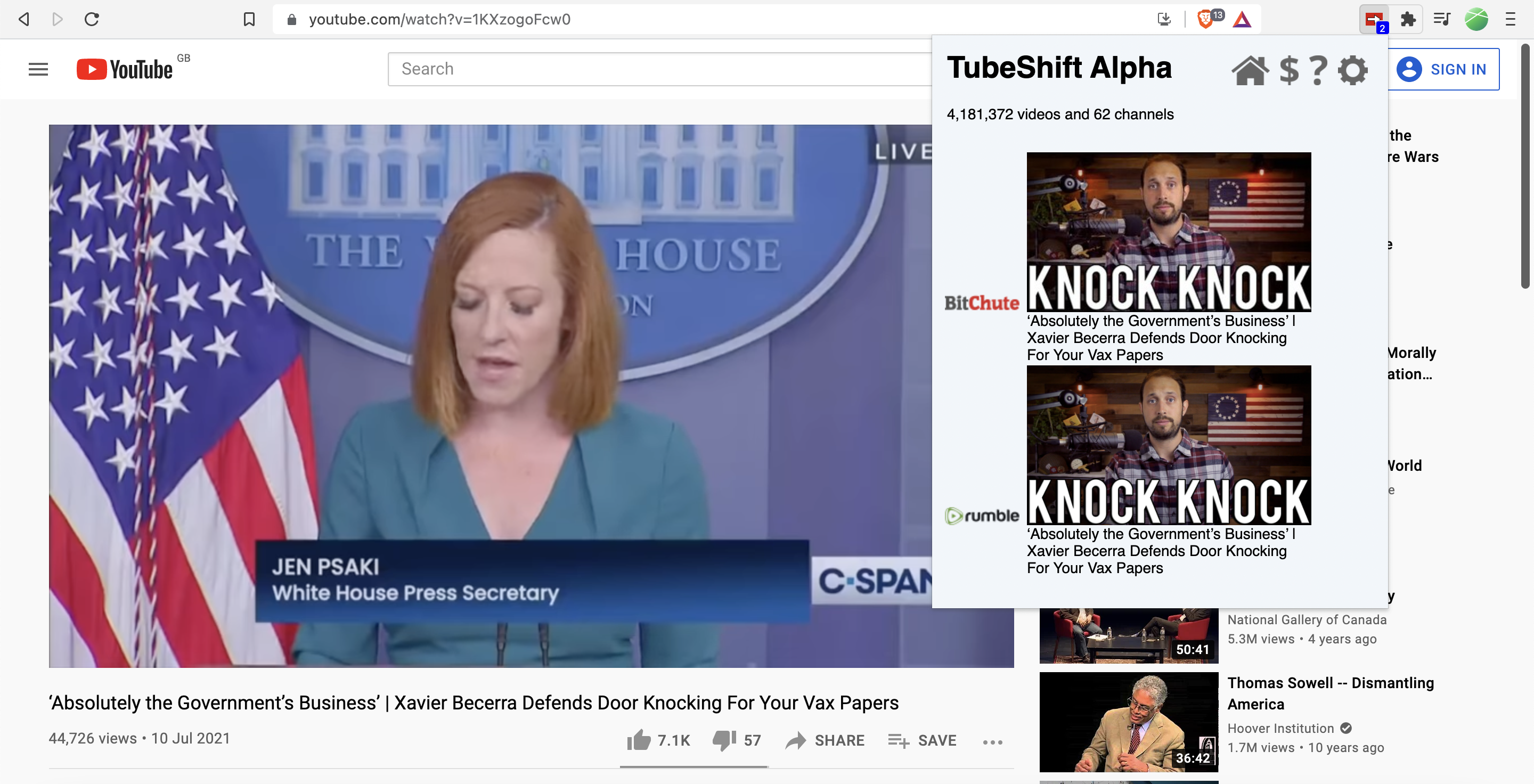
“Show” determines whether videos from specific sites will be listed in TubeShift’s list of alternative versions.
For example, if you just select Rumble, TubeShift will only list alternatives that are available on Rumble.
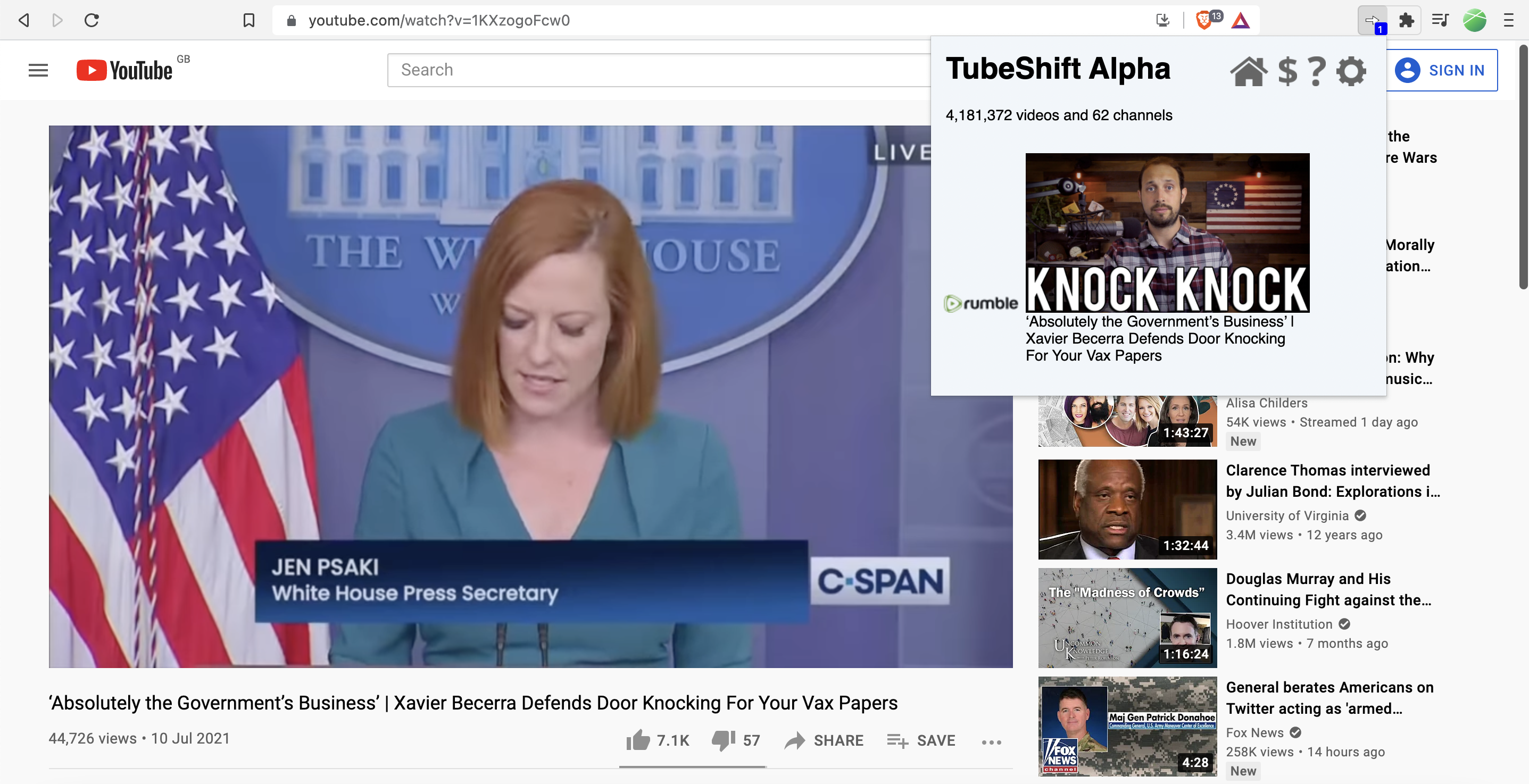
If you select all the sites, every available alternative version from these sites will be listed.
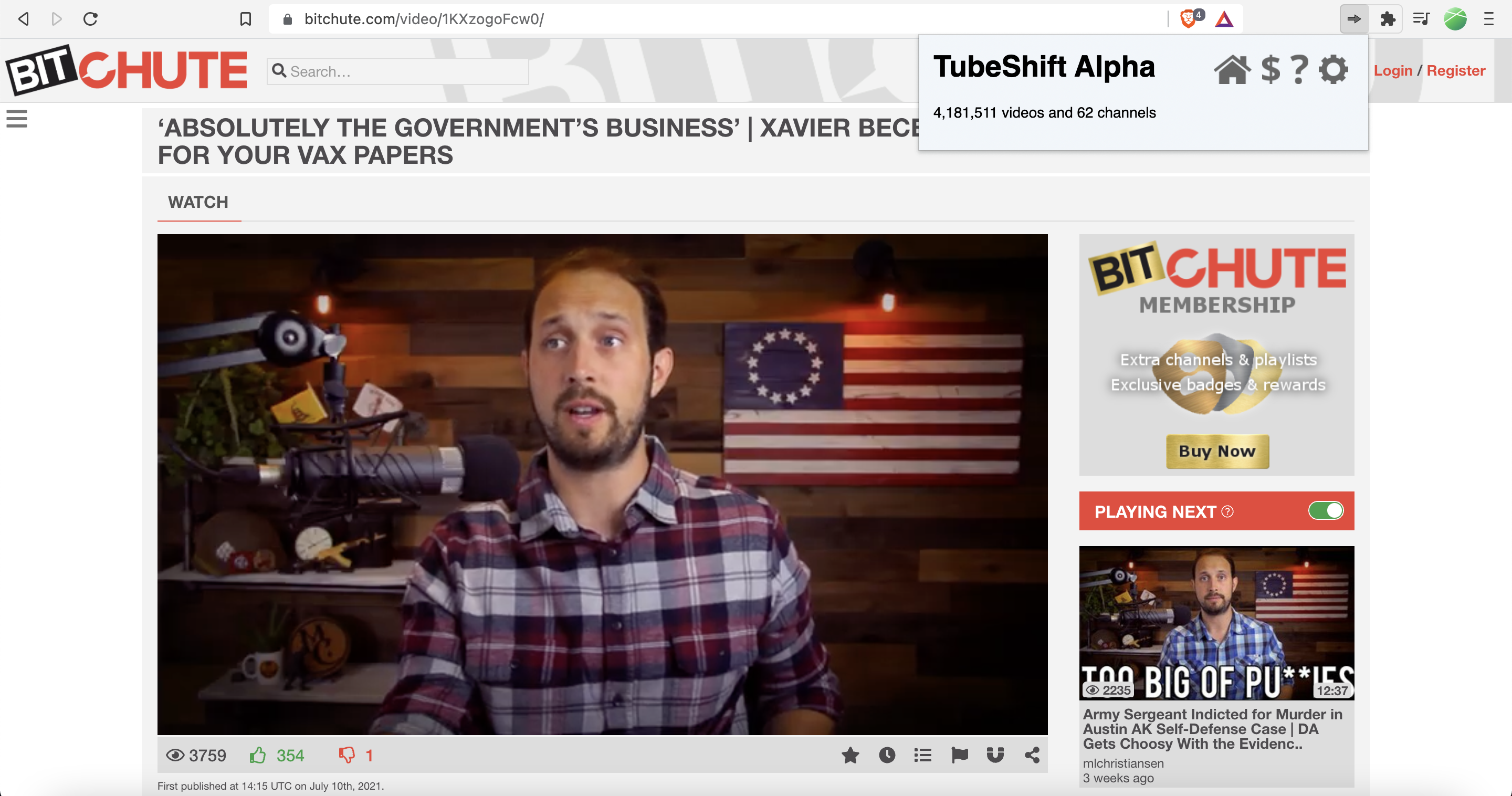
“Lookup” determines whether TubeShift will look for alternatives when you’re watching videos on specific sites.
For example, if you select BitChute, TubeShift will find alternative versions while you watch videos on BitChute.
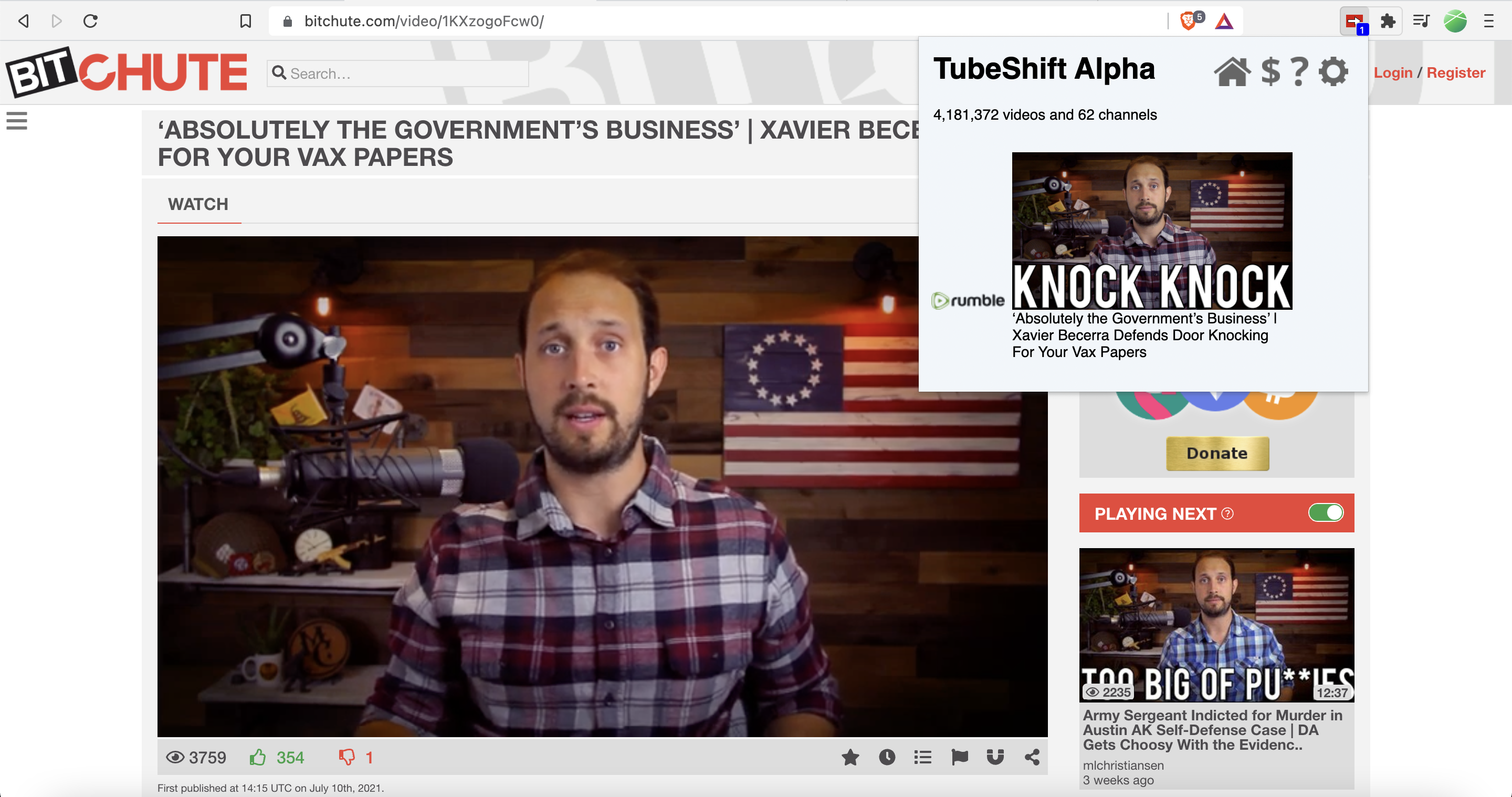
If you deselect BitChute, TubeShift will stop looking for alternatives while you watch videos on BitChute.
Selecting “Overlay” adds the red and white TubeShift overlay to videos.
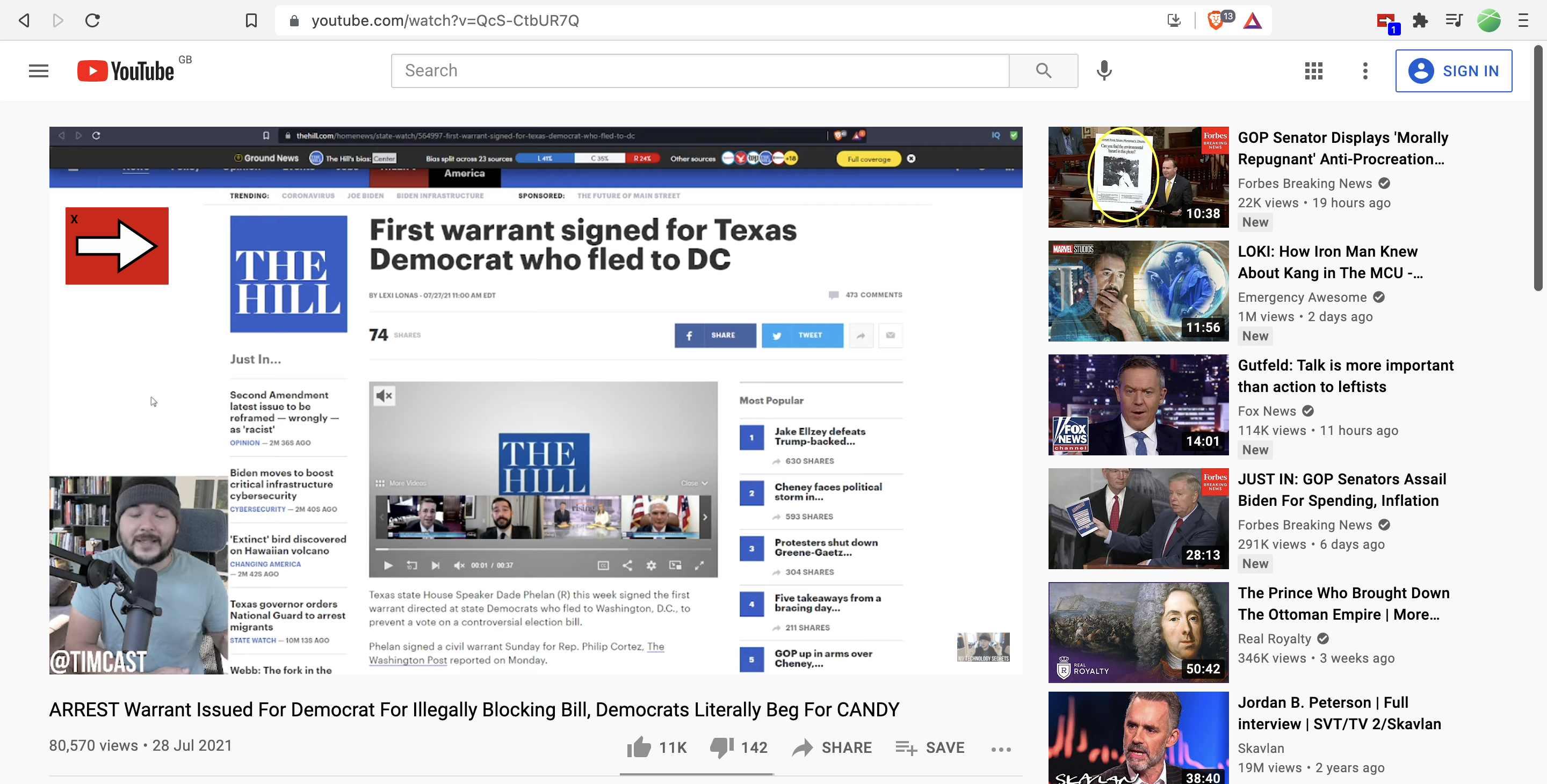
Deselecting “Overlay” removes it.
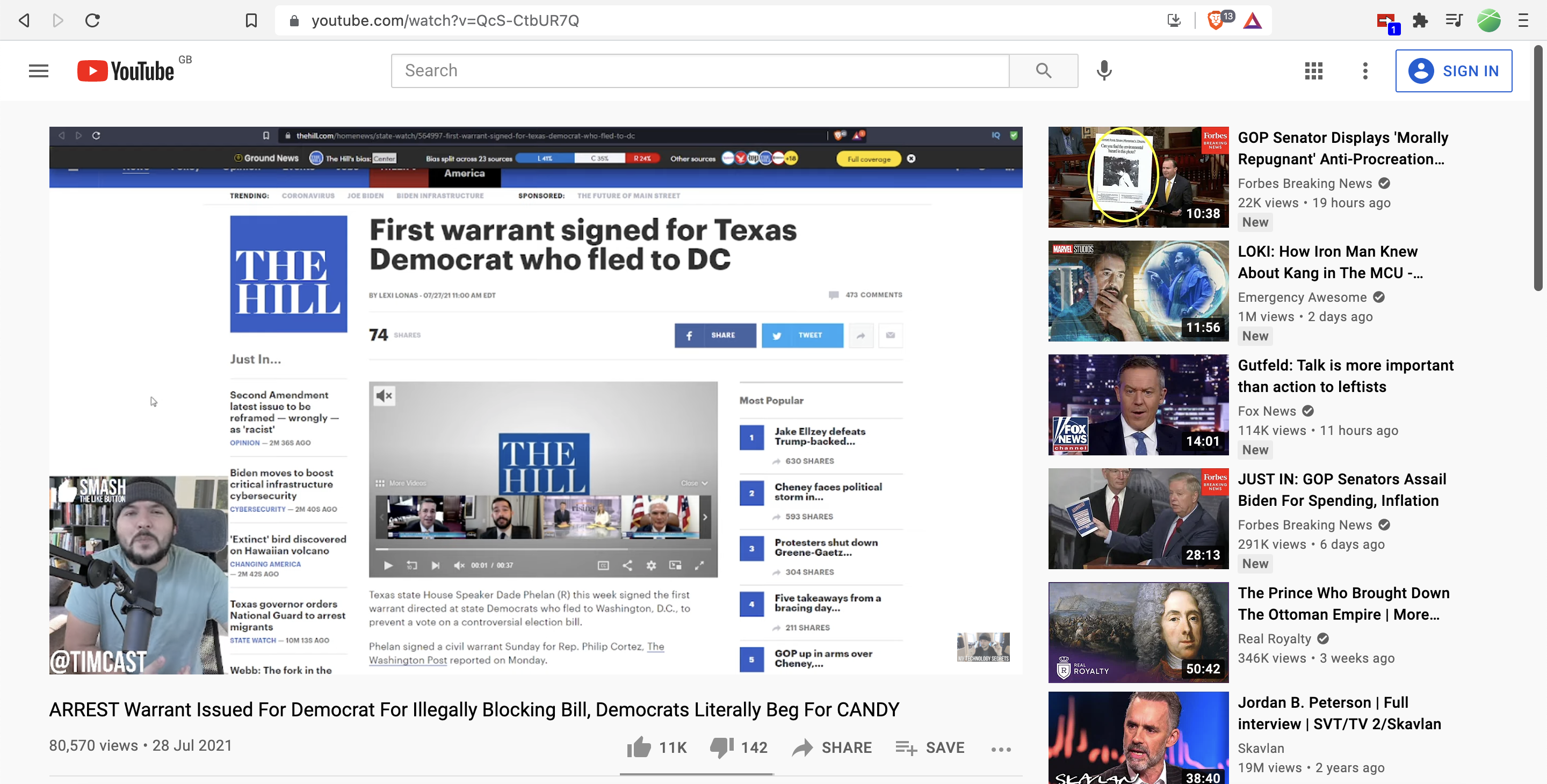
“Auto-Shift From” lets you toggle whether you want to automatically open alternative versions of YouTube videos in new tabs.
And “Auto-Shift To” lets you determine which alternative version to open when Auto-Shift is enabled. If you select multiple sites, TubeShift will prioritize the selected sites at the top of the list.
The TubeShift extension does require permission to read your browsing history and permission to collect and send anonymous data to TubeShift’s servers. The anonymous data that’s sent to TubeShift’s servers includes identifiers of videos or channels on websites such as YouTube, Rumble, and DailyMotion and the identifiers of content entries associated with these identifiers.
In addition to this anonymous data, your internet protocol (IP) address is stored in system logs.
And if you enable Visual Overlay and Auto-Shift, TubeShift will also have permission to read and change your data on BitChute, Odysee, and YouTube.
TubeShift may also send personal information to its servers when you provide it directly, for example via crash reports. Crash reports can contain your browser activity and visited URLs which TubeShift says is due to detailed logging and used for debugging.
TubeShift says that any personal information that’s collected will only be used in ways that you’ve already been informed of or given permission for. These purposes include to enable the operation of TubeShift, to understand and improve the user experience, and to understand and fix errors during operation.
TubeShift adds that your information may be shared with third parties to support the processing and providing of TubeShift’s products and services and to meet any legal requirements.
According to TubeShift, the company’s server logs are generally purged after several weeks but some logs may be stored for longer periods if necessary.
You can get the TubeShift extension here. Currently, TubeShift has browser extensions for Brave, Chrome, Edge, and Firefox.
You can review the source code for TubeShift here.