Google Docs has announced that it will start flagging “potentially discriminatory or inappropriate language” and prompting users to make their writing “more inclusive and appropriate” on some of its plans.
For plans that have the feature, Google Docs will enable these prompts by default and use a purple underline to flag anything that it deems to be potentially discriminatory or inappropriate. The feature will also flag text where it has suggestions for alternate wording, using active voice, or making sentence structure more concise. Clicking or tapping the flagged text will display the suggestions.
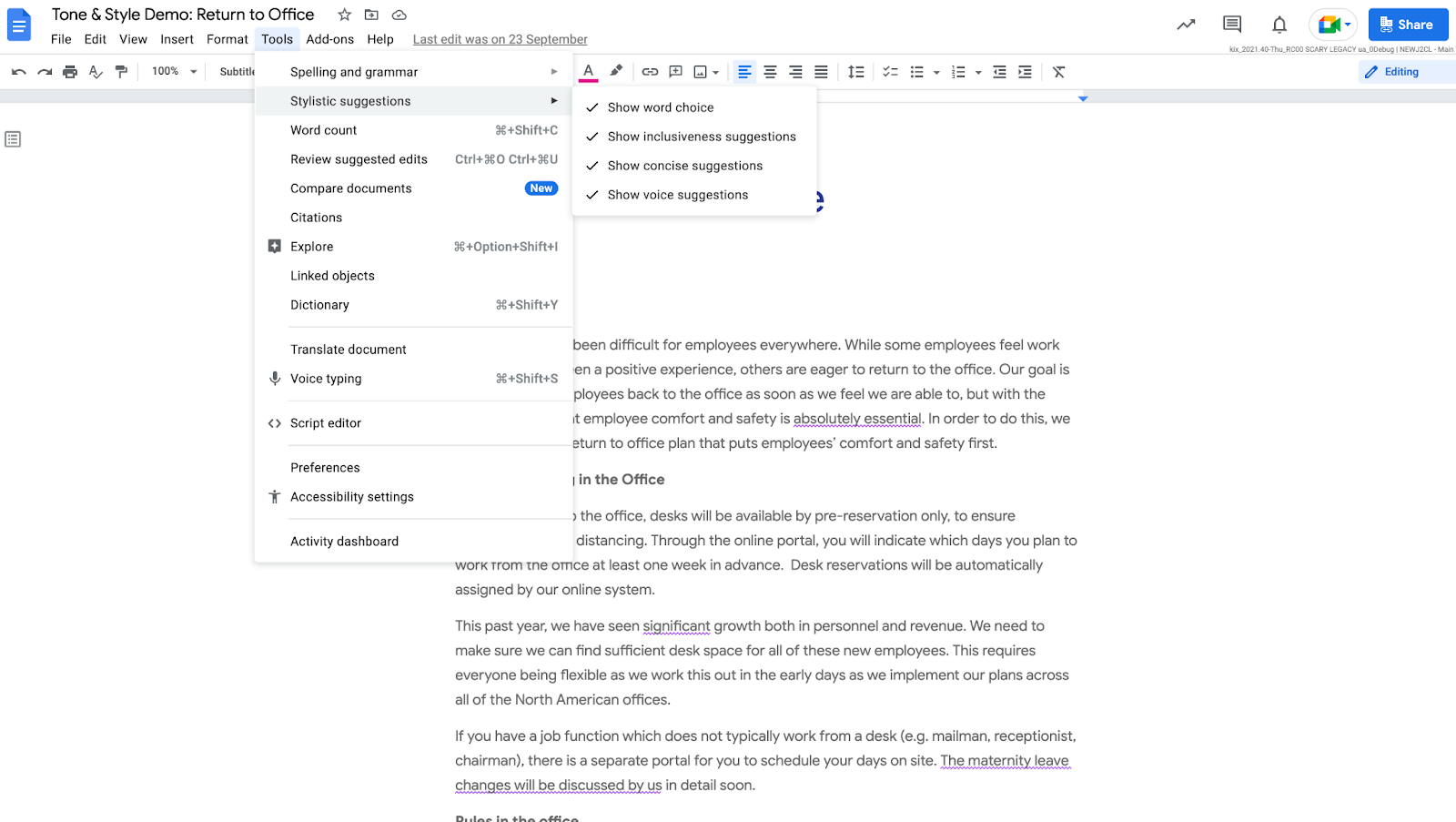
The new prompts are included in Business Standard, Business Plus, Enterprise Standard, Enterprise Plus, Education Fundamentals, Education Standard, Education Plus, and Teaching and Learning Up plans. Administrators or users can manually disable the feature after it has rolled out.
Google Workspace Essentials, Business Starter, Enterprise Essentials, Frontline, Nonprofits, G Suite Basic, and G Suite Business won’t have the feature.
The prompts started rolling out to “Rapid Release domains” on March 31 and will be rolled out on “Scheduled Release domains” from April 14.
Last December, Google Docs notifications were updated to restrict documents containing “hate speech” or “misleading content. Google has also directly censored several Google Docs in the past including a hydroxychloroquine coronavirus treatment trial document and six of Dr. Vladimir Zelenko’s documents about the COVID pandemic.
Google Drive, the tech giant’s cloud storage service, has scaled up its censorship by flagging benign metadata files for copyright violations, blocking access to a document that compiled news coverage of COVID vaccine side effects, removing a user’s personal copy of Judy Mikovits’ Plandemic, and restricting a user’s screenshot of the Quentin Tarantino movie Inglorious Basterds for “hate speech.”
Additionally, Google is working on a feature that lets users flag “misleading” photos in its online photo-sharing service Google Photos.
As Google continues to censor and restrict the personal files, photos, and documents that users store on its services, privacy-focused alternatives have emerged. One of these alternatives, the end-to-end encrypted document collaboration service Skiff, recently added file storage and raised $10.5 million to build out its end-to-end encrypted workspaces.