
Reclaim The Net has launched a free website that removes the hidden metadata that files carry, and which can reveal a wealth of information about the device that was used to create the file, its owner, and sometimes even the location where the file was created.
We built it, we run it, and you can use it at metadatadelete.com.
The site explains that "Metadata is information stored inside a file that you don't see when you open it." And that means that most people are not even aware of its existence, let alone its potential to reveal sensitive information.
For example, "A photo from a phone often records exactly where it was taken, when, and on which phone." And that's not all: "Photos carry GPS coordinates and camera serial numbers. Documents carry author names, company names, comments and edit history."
Most online tools that offer to remove this invisible data from your files require you to upload them to their server first. But the new tool we launched does not. Instead, everything happens in your web browser, and that means that your files never leave your device.
For photos, the tool can remove the GPS location, date and time taken, the make and model of the camera or phone, and serial numbers, as well as embedded thumbnails and information about the software used to edit the photo. The photo page of the site explains that all of this data is usually included in the file: "the make and model of the camera, the date and time it was taken, often the exact GPS spot where you stood, a small embedded thumbnail and sometimes a serial number" - "All of it is removed."
What's also removed from photos is EXIF, XMP, and IPTC metadata, but without re-compression, so the quality of the photo is not affected. "Photos are not re-compressed, so the pixels are identical and the quality is unchanged." If a photo contains location data, the site shows you the location on a map before cleaning the file, so you know what you're getting rid of. "If your photo has a location, you will see it on a small map before cleaning, so you know what you were about to share."
For Mac screenshots, the site blanks the display details in the color profile that could identify the device it was taken on, but in such a way that "the colours stay the same."
You can also check a box to "Remove dates from file names" which will turn a file named "Screenshot 2026-11-07 at 23.54.36.png" into "screenshot.png."
Documents are cleaned of metadata that can reveal who created them, and how. For PDFs, the tool removes author, title, the software used, created and modified dates, the document ID, and the authors of comments. The site says, "A PDF records who made it."
In order to make sure that all this data is really gone, the tool rewrites the whole PDF, discarding earlier saved versions, because "some editors add each save to the end of the file, so an old author name or date can survive inside a PDF even after you change the properties. Rewriting discards those earlier saved versions."
Word, Excel, and PowerPoint files are stripped of author and company, comment and tracked-change authors, revision IDs, thumbnails, and the EXIF of any images they contain.
"Each cleaned file is checked again to make sure nothing was left behind."
The tool also handles video and audio files, e-books, email files, ZIP archives, OpenDocument, HEIC photos from iPhones, camera RAW, and a host of specialist formats such as 3D models, fonts, and design files.
This tool only removes hidden data, not what is visible in a file. So, faces, street signs, text in a photo will still be there. Text in a PDF that is hidden under a black box will also remain there: "This is not a redaction tool."
Invisible watermarks will also survive, and camera RAW files will still contain "the maker data raw converters need (it can include the camera's serial number)." GPS route files will still contain the route, because the route is the file's content.
The tool will not even accept RAR and 7z archives, Word 95 files, or e-books with DRM, providing instead instructions on what to do with these file types to be able to clean them of metadata.
In 2025, we reported that "Your digital trail doesn't need GPS when the streetlamp in frame does the talking."
In 2019, we had a story about a Google Photos flaw that allowed a researcher to discover the metadata of photos by exploiting the flaw.
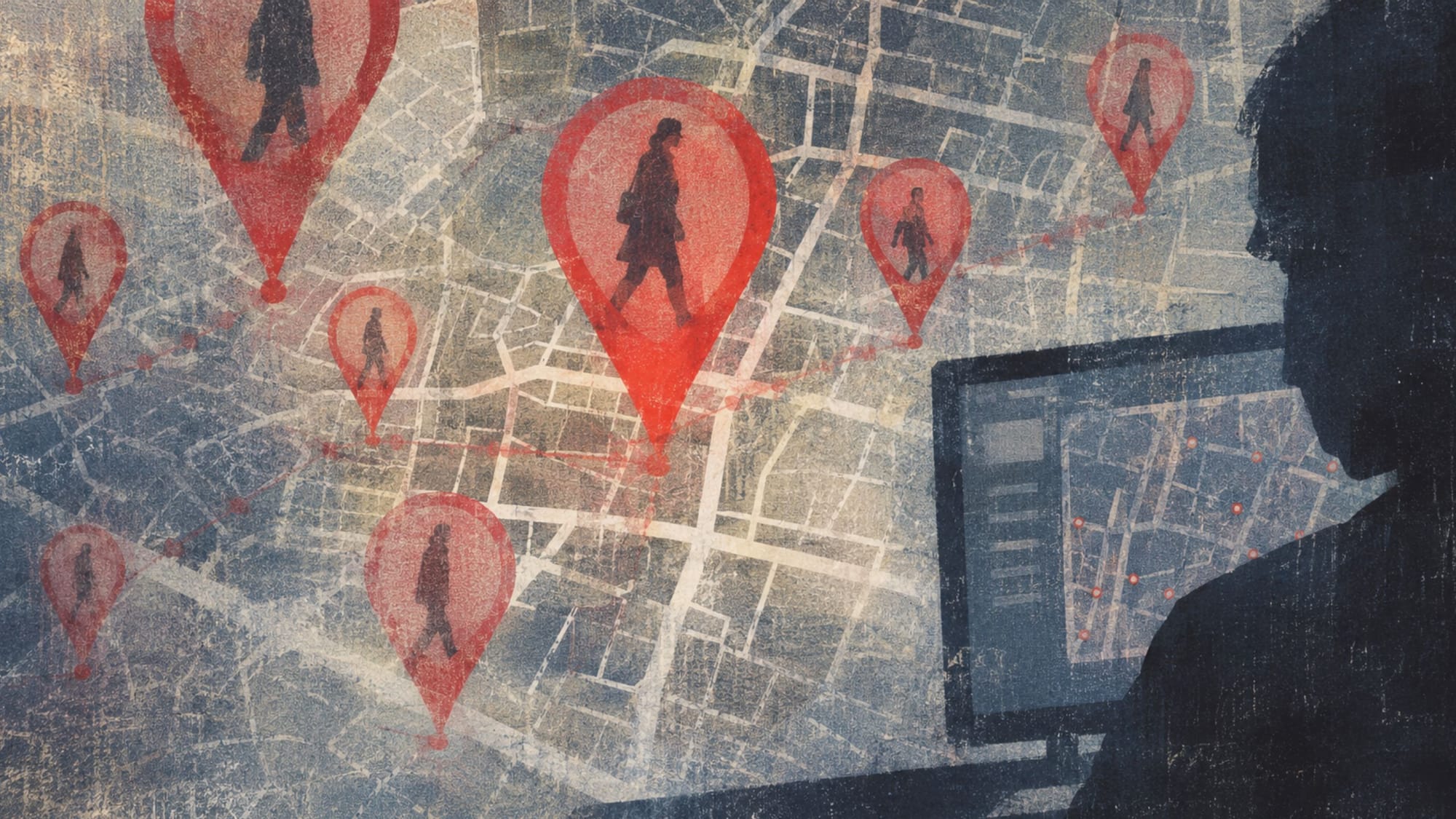
The Metadata Delete tool can be used to remove the invisible data from photos before they are uploaded to Google Photos or any other service, or shared via email or messaging apps. This is important because it's this type of data that is collected and pieced together to build a profile of a person's life, including their habits and movements.
A tool that cleans files of metadata should not need to see them first, and ours never does. It takes only a few seconds to strip files of data you didn't mean to share before you post or send them.
Check it out at metadatadelete.com.