
Brave, a privacy and security-focused browser, has announced a new feature that will allow users to generate unique email addresses to sign up for online services, and receive emails from those services without revealing their real email address.
The feature, called Email Aliases, has been added to the latest desktop version of the browser, 1.94, and will be coming to mobile soon.
According to Brave, instead of handing over their real email address, users generate a unique alias for each service. For the time being, Brave is "offering everyone the option of five free email aliases," tied to their Brave Account.
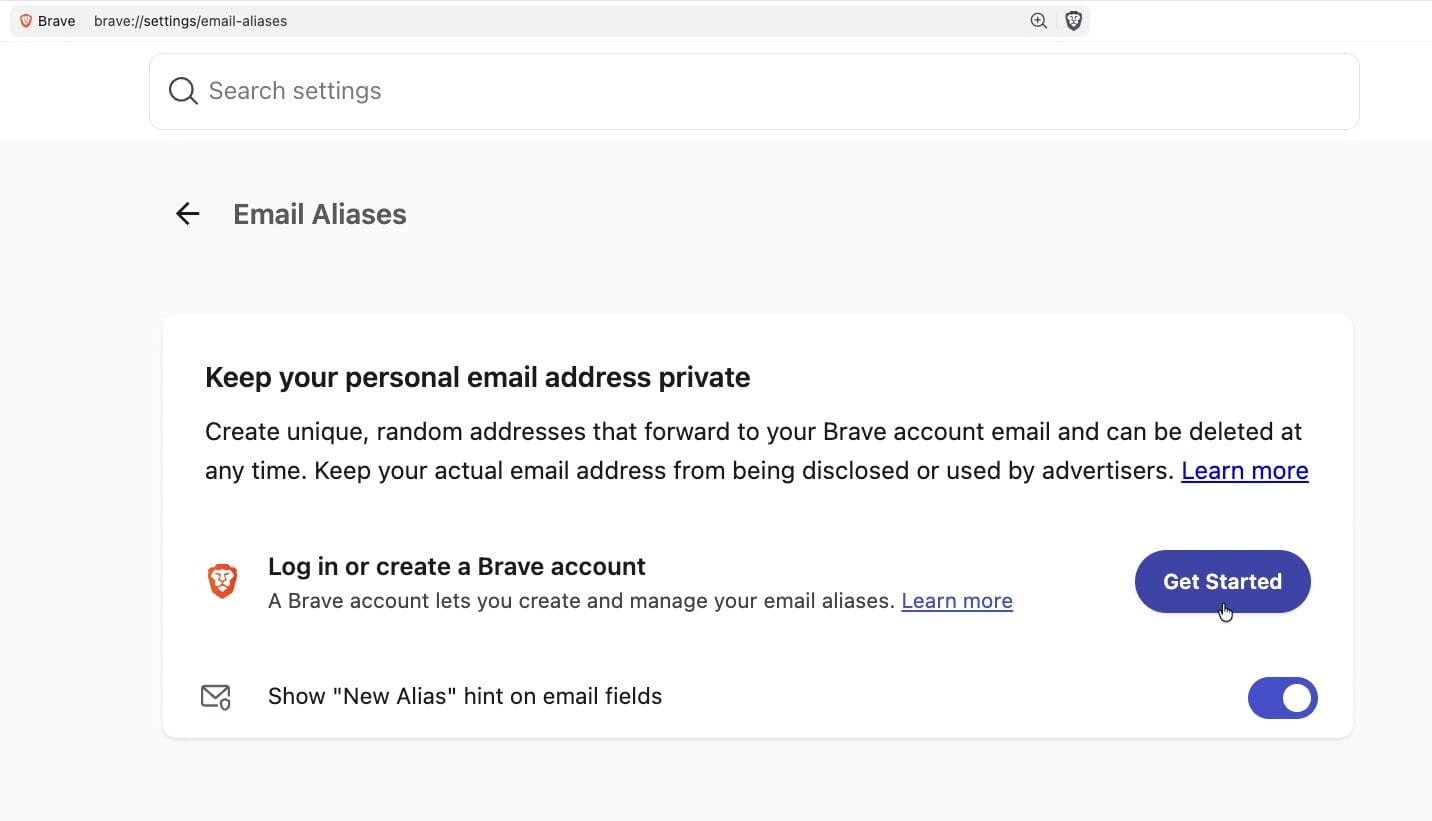
Brave Accounts is a new way of signing into the browser, separate from Brave Premium accounts, and is required to use the new feature. The company describes it as "a brand-new way of signing into Brave using an email address and password" that is designed to be more secure and private than traditional login systems.
With this new system, "your password is never sent to our servers: not encrypted, not hashed, nor 'briefly held in memory and then discarded,'" Brave said.
The main benefit of Email Aliases, as described by Brave, is to "sign up for online services without revealing your personal email address." This way, the real address is protected from websites, data brokers, and breach dumps.
However, by using Brave's service, users are effectively putting the company in the middle of their email communications, which can see some information about the emails they send and receive, even if it doesn't have access to the content.
The service works by forwarding emails sent to an alias on to the user's real address, without letting the sender see that real address. In the process, Brave acts as a mail server that stores the account email, the aliases, and some information about message delivery.
The company promises that it "doesn't read the contents of emails sent to an alias. We only process emails to perform standard spam and virus filtering."
Brave also promises that "once an email is delivered, it is deleted from our servers within seconds."
However, it does store some statistics about received emails for up to seven days and log events are kept for up to 14 days.
Brave also stores notes that users can attach to each alias - but this information is "stored locally on your device. If you have Brave Sync on, your notes will be encrypted end-to-end (i.e., hidden even from Brave)."
The new feature can be found in the latest version of the desktop browser, under Settings > Autofill & Passwords > Email Aliases, and users are prompted to create a Brave Account to use it.